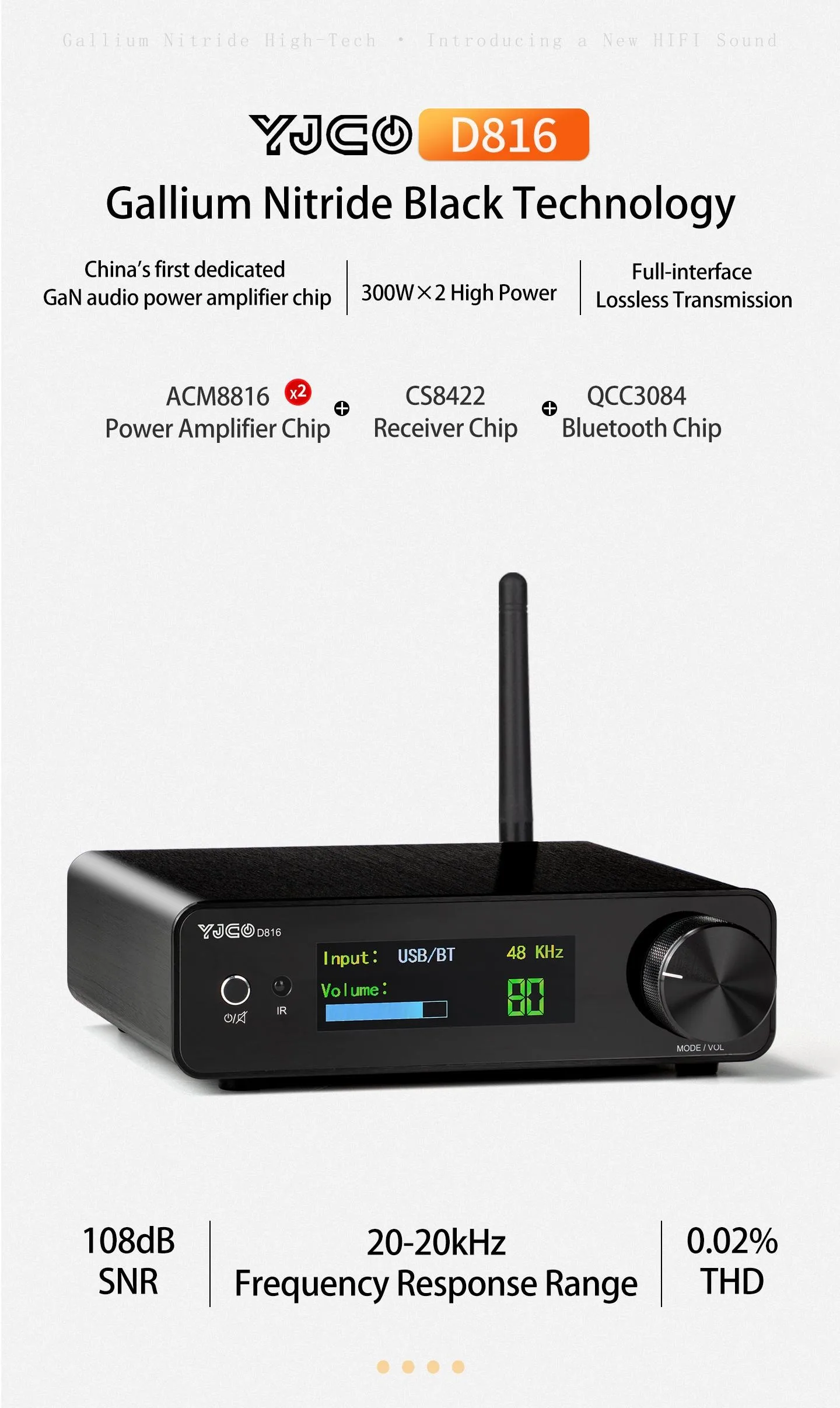
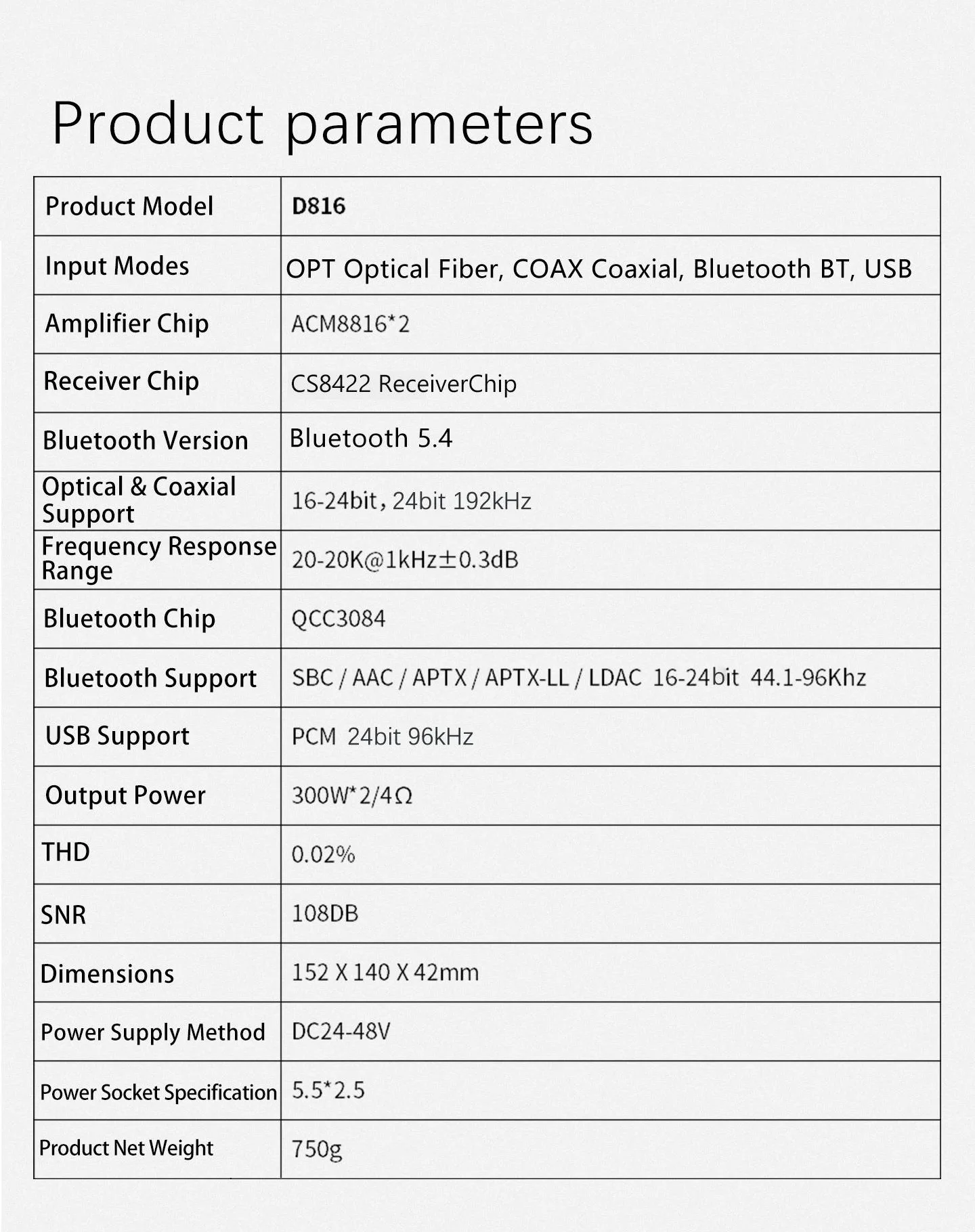
Product Model:D816
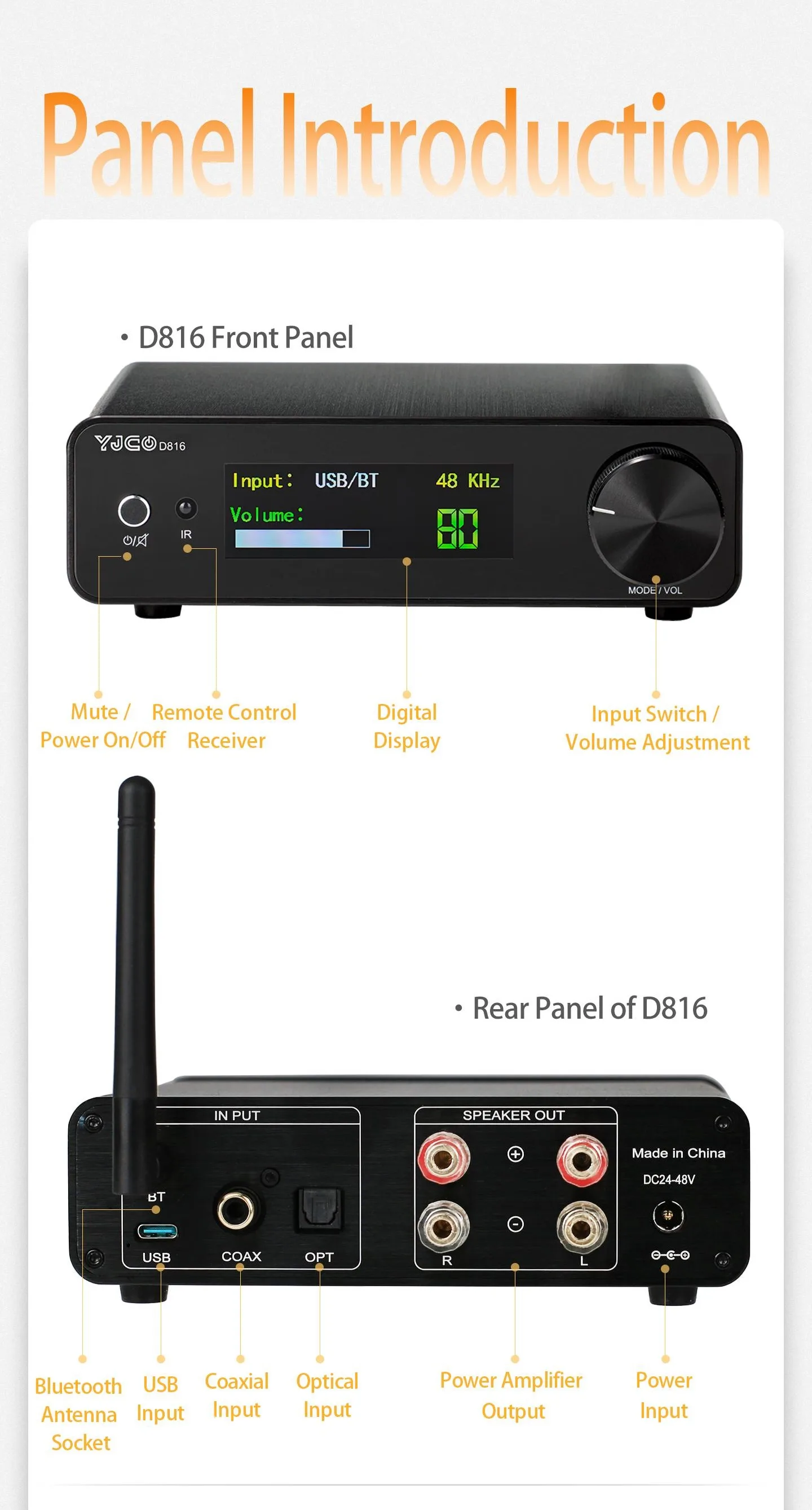
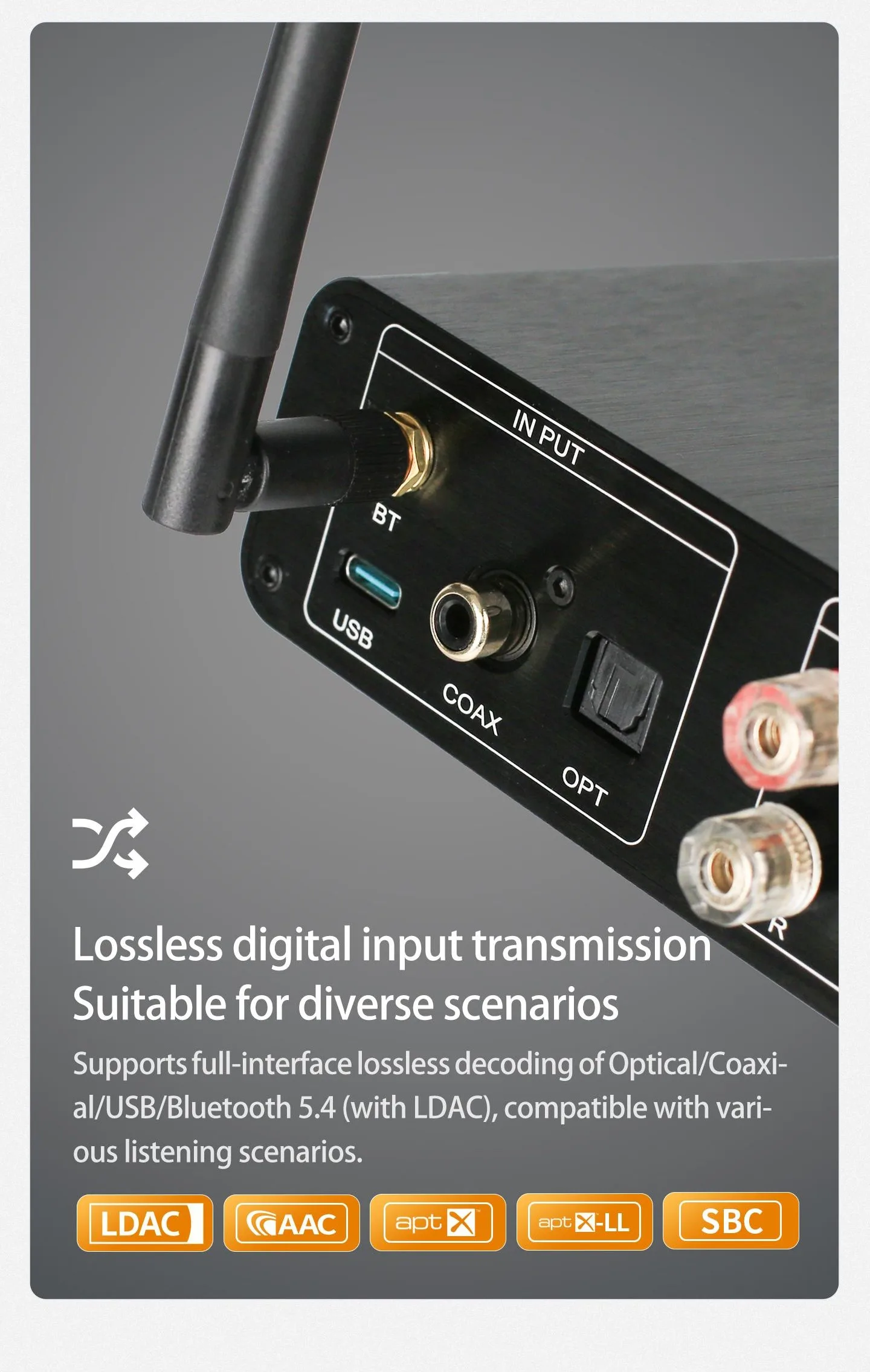
Input Modes:OPT Optical Fiber, COAX Coaxial, Bluetooth BT, USB
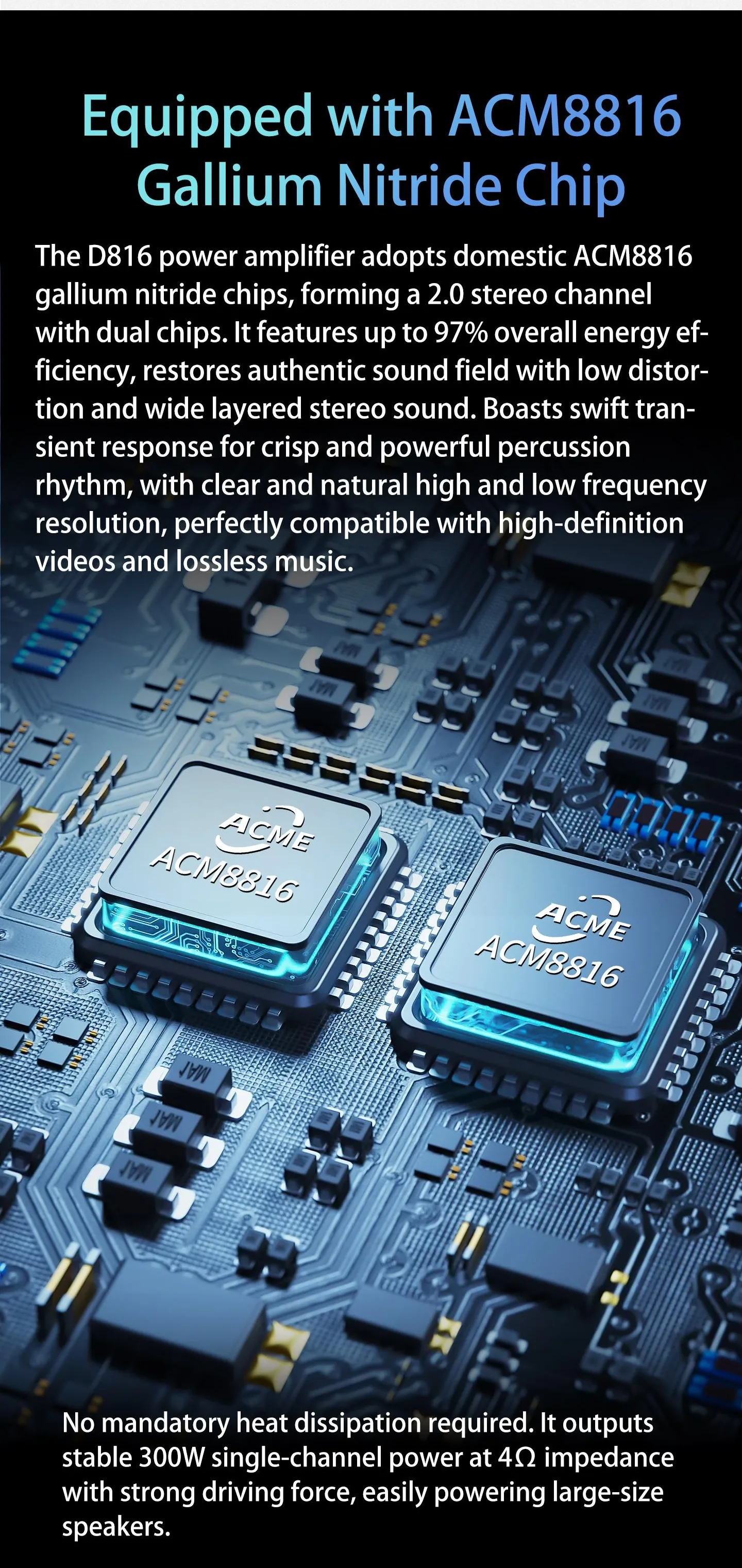
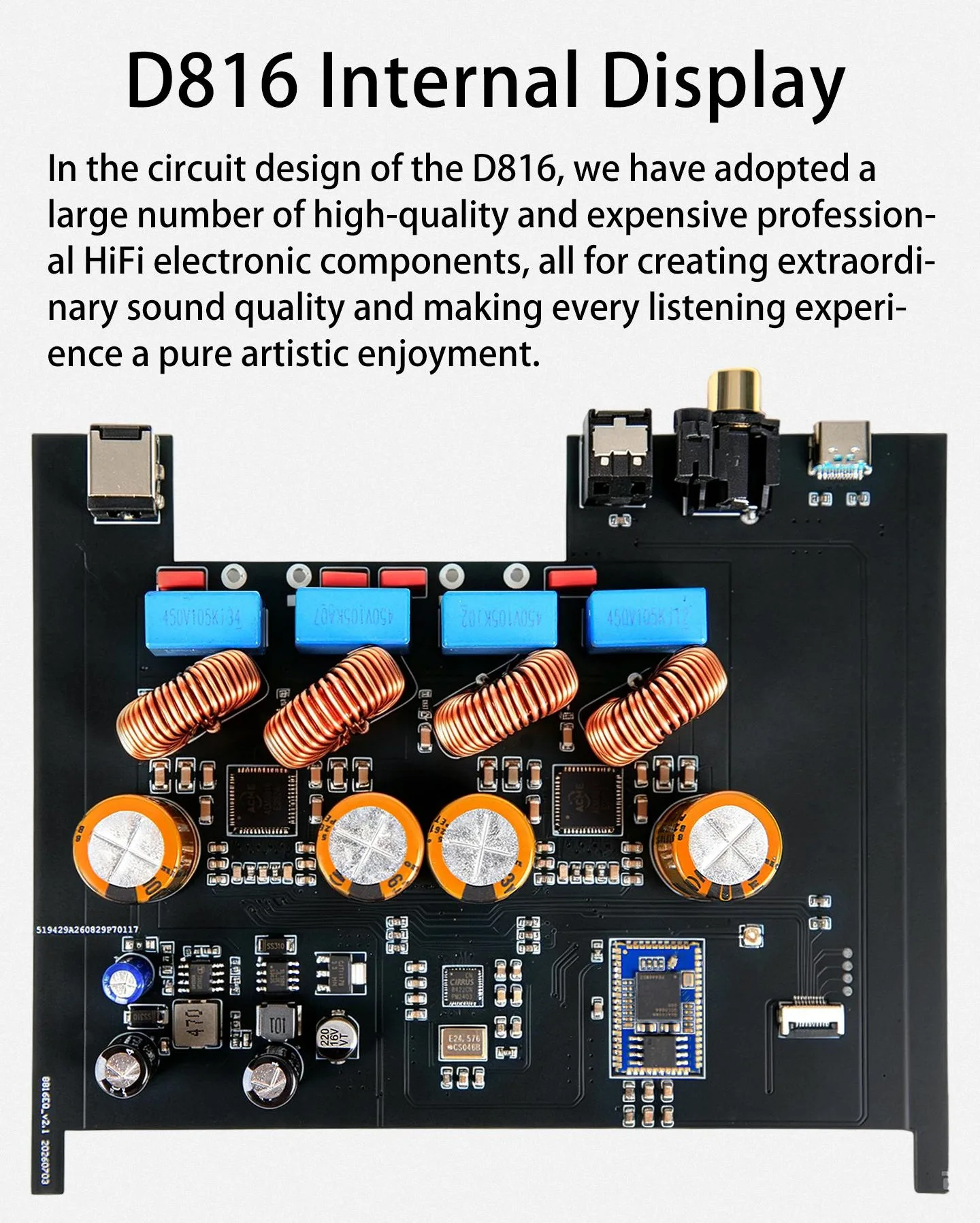
Amplifier Chip:ACM8816*2
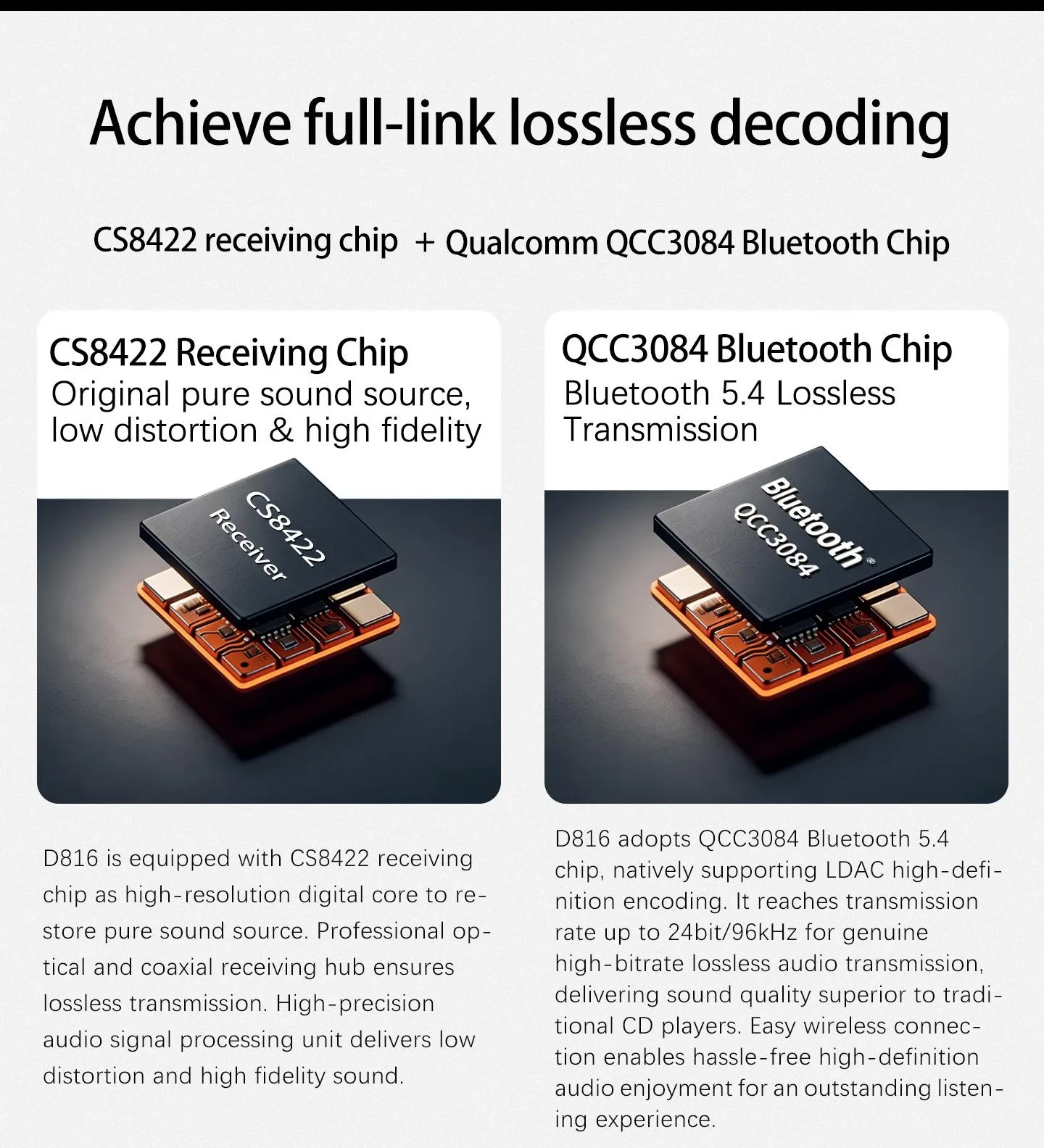
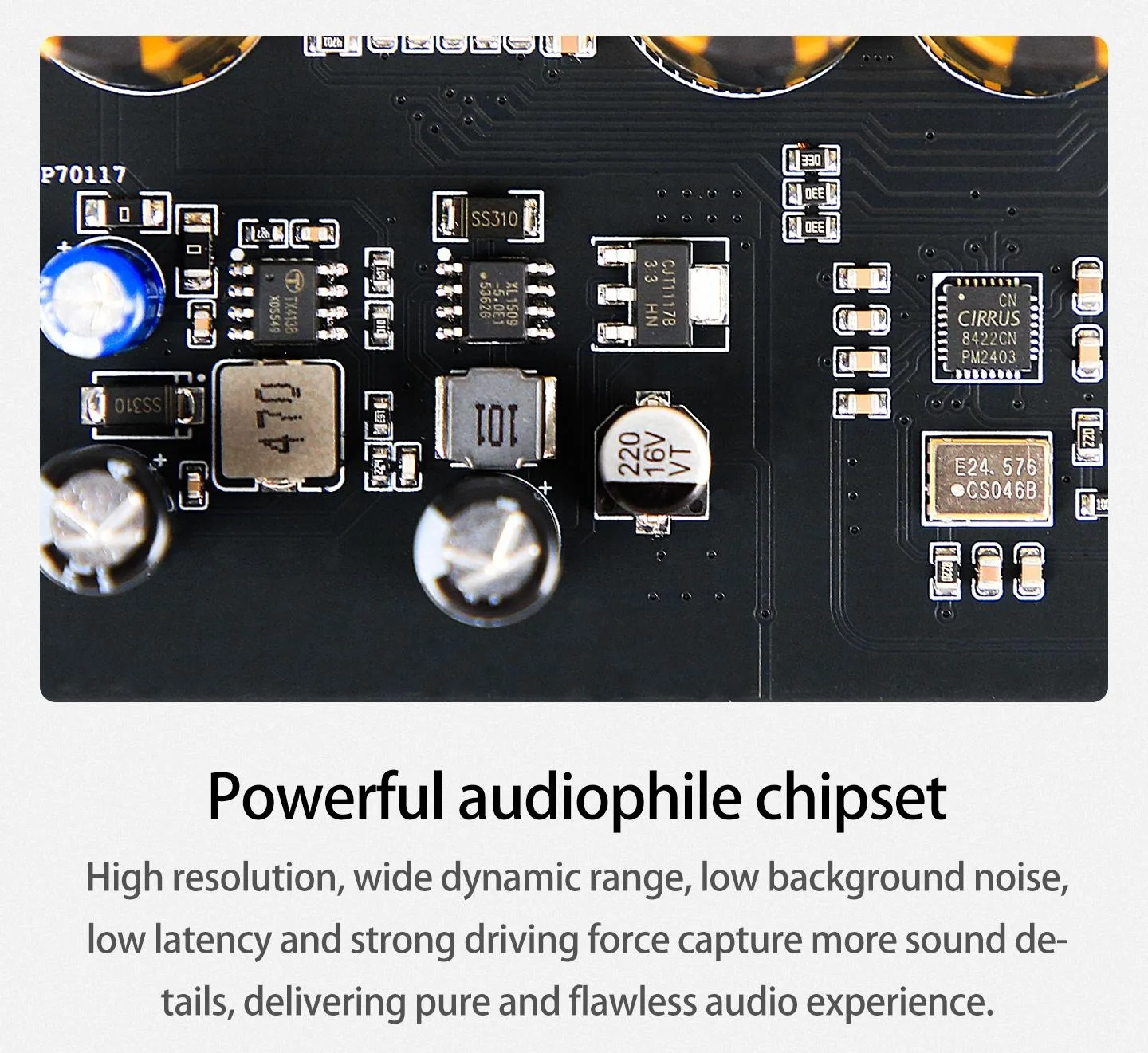
Receiver Chip:CS8422
Bluetooth Version:Bluetooth 5.4
Optical & Coaxial Support:16-24bit,24bit 192kHz
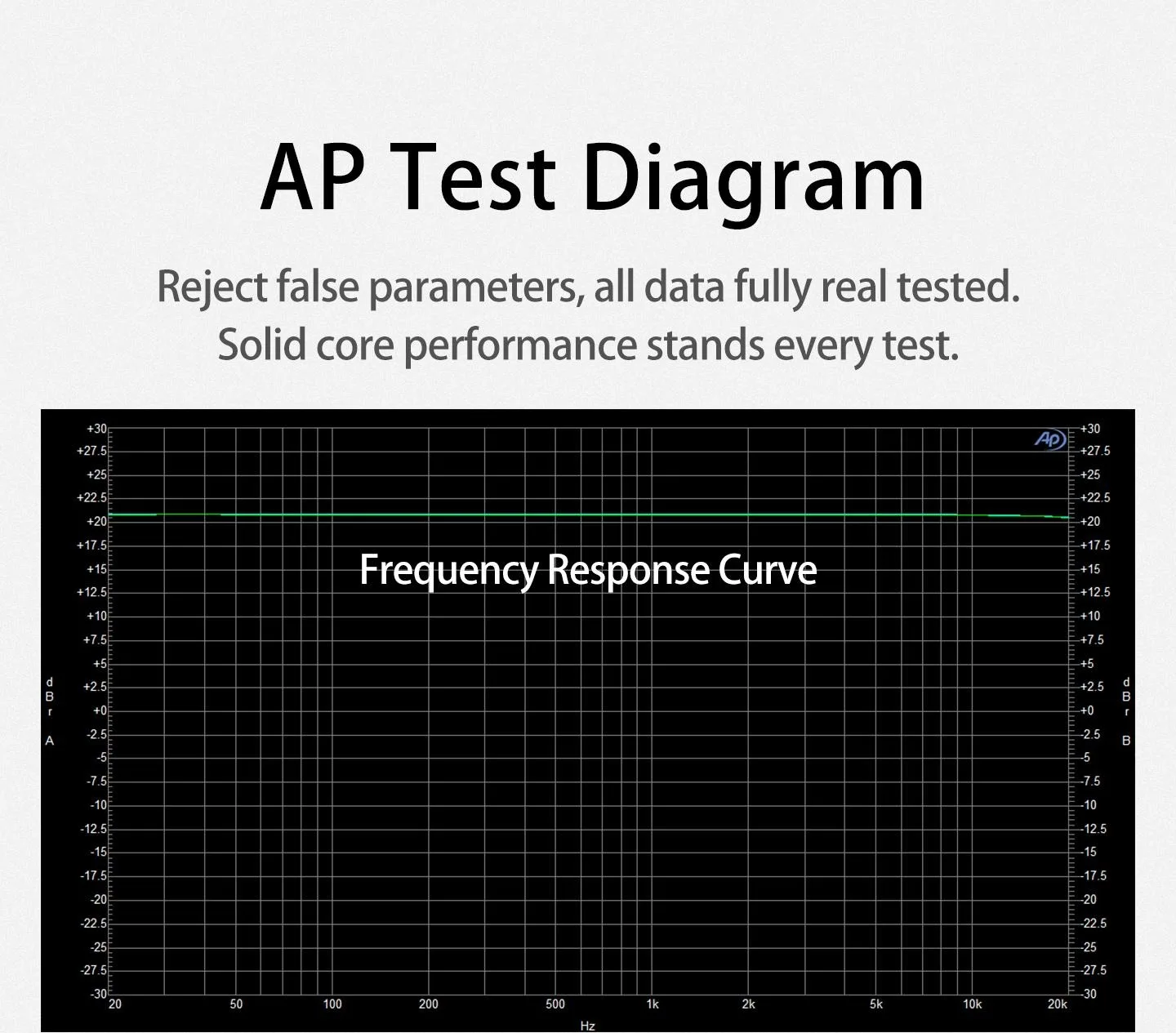
Frequency Response Range:20-20K@1kHz0.3dB
Bluetooth Chip:QCC3084
Bluetooth Support:SBC/AAC/APTX/APTX-LL/LDAC 16-24bit 44.1-96KHz
USB Support:PCM 24bit 96kHz
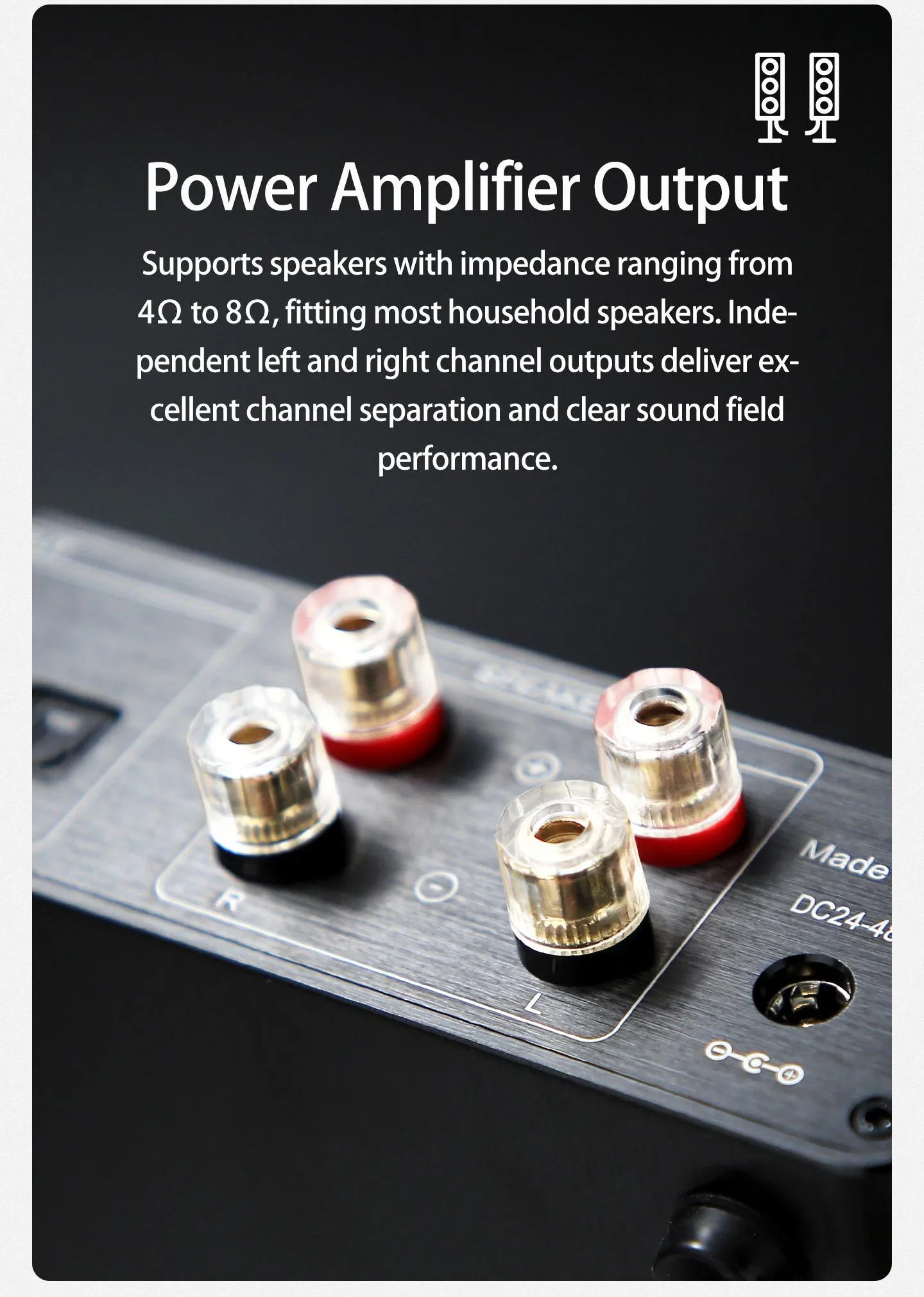
Output Power:300W*2/4Ω
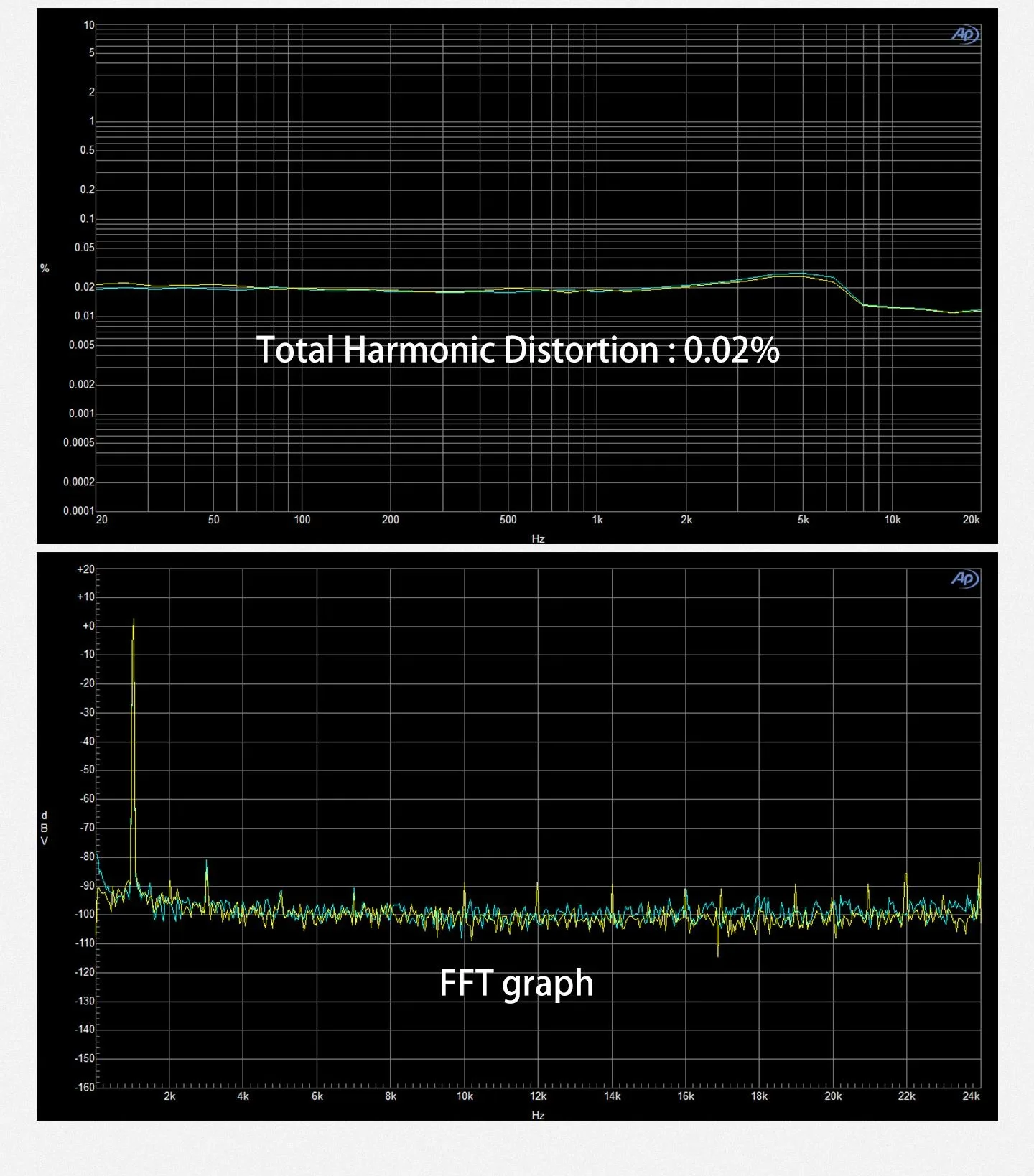
THD:0.02%
SNR:108DB
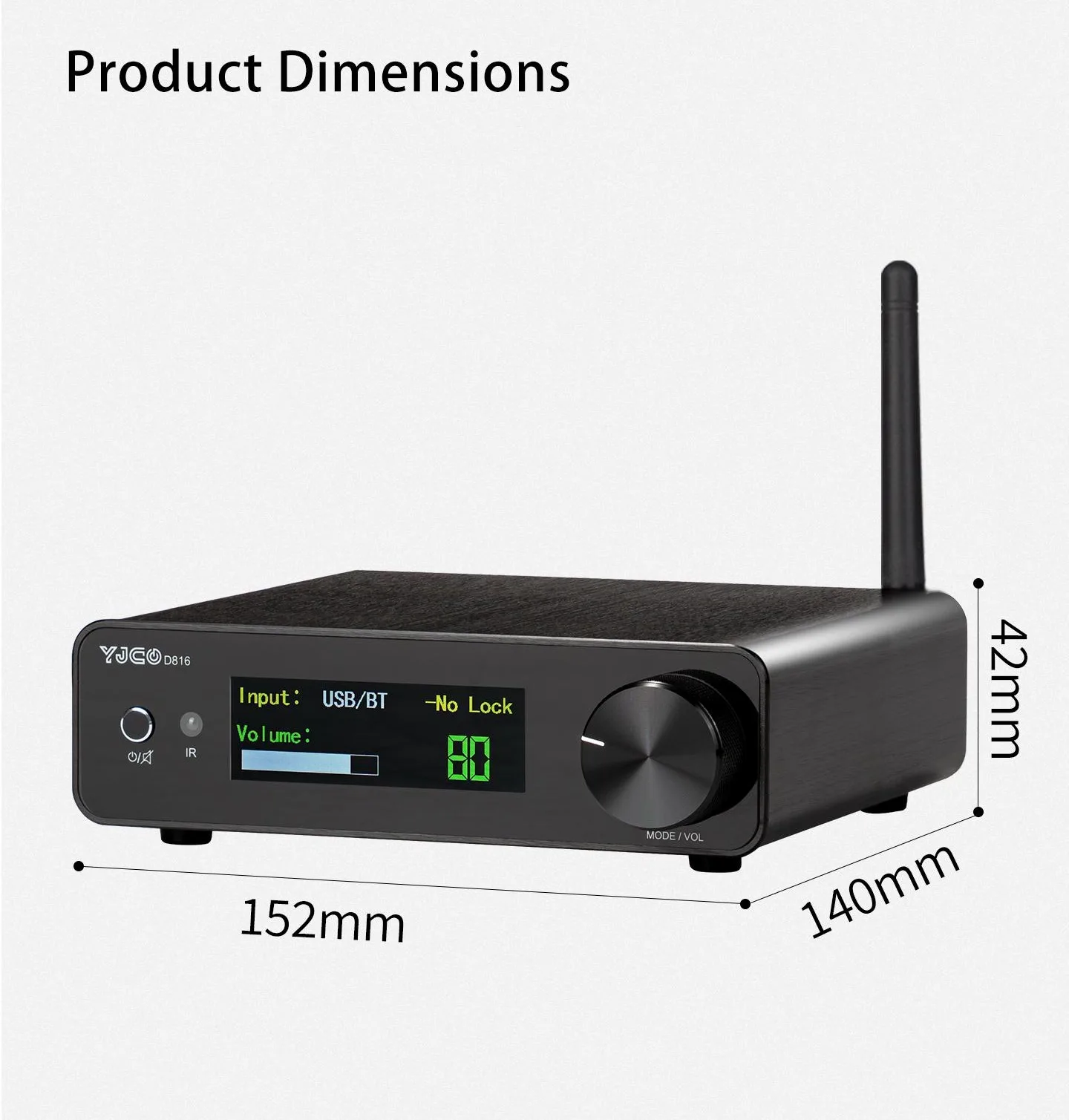
Dimensions:152 X140 X42mm
Power Supply Method:DC24-48V
Power Socket Specification:5.5*2.5
Product Net Weight:750g
Tip: Please choose the appropriate power adapter.
D816 Instructions for Use:
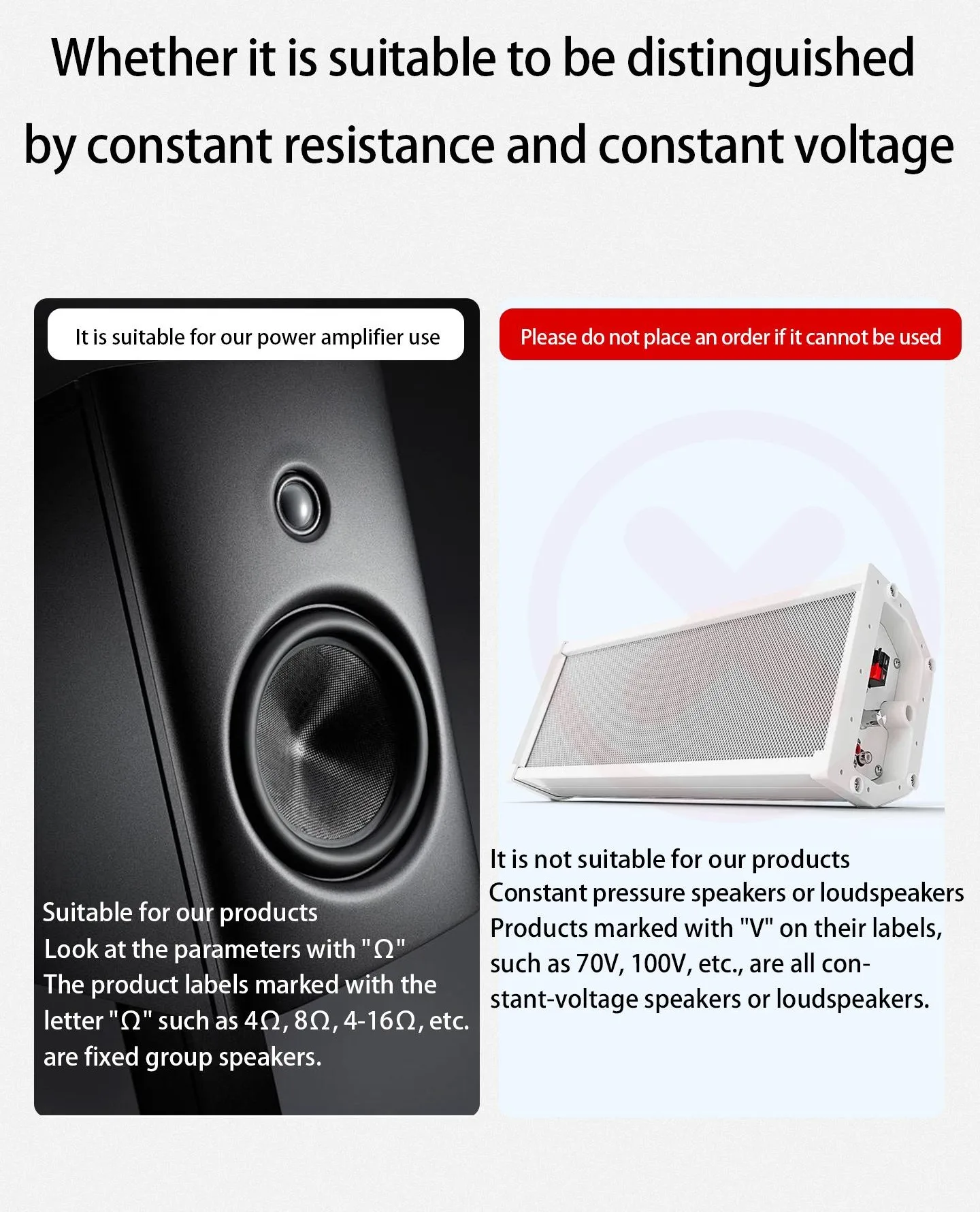
1.The output of the power amplifier board can only be connected to passive speakers and cannot be connected to active speakers or constant voltage speakers.
2.The power amplifier board is powered by DC24V-48V. The higher the voltage, the greater the power, but it must not exceed 48V, otherwise the power amplifier will be burned out. The power plug is 5.5*2.5, with positive inside and negative outside.
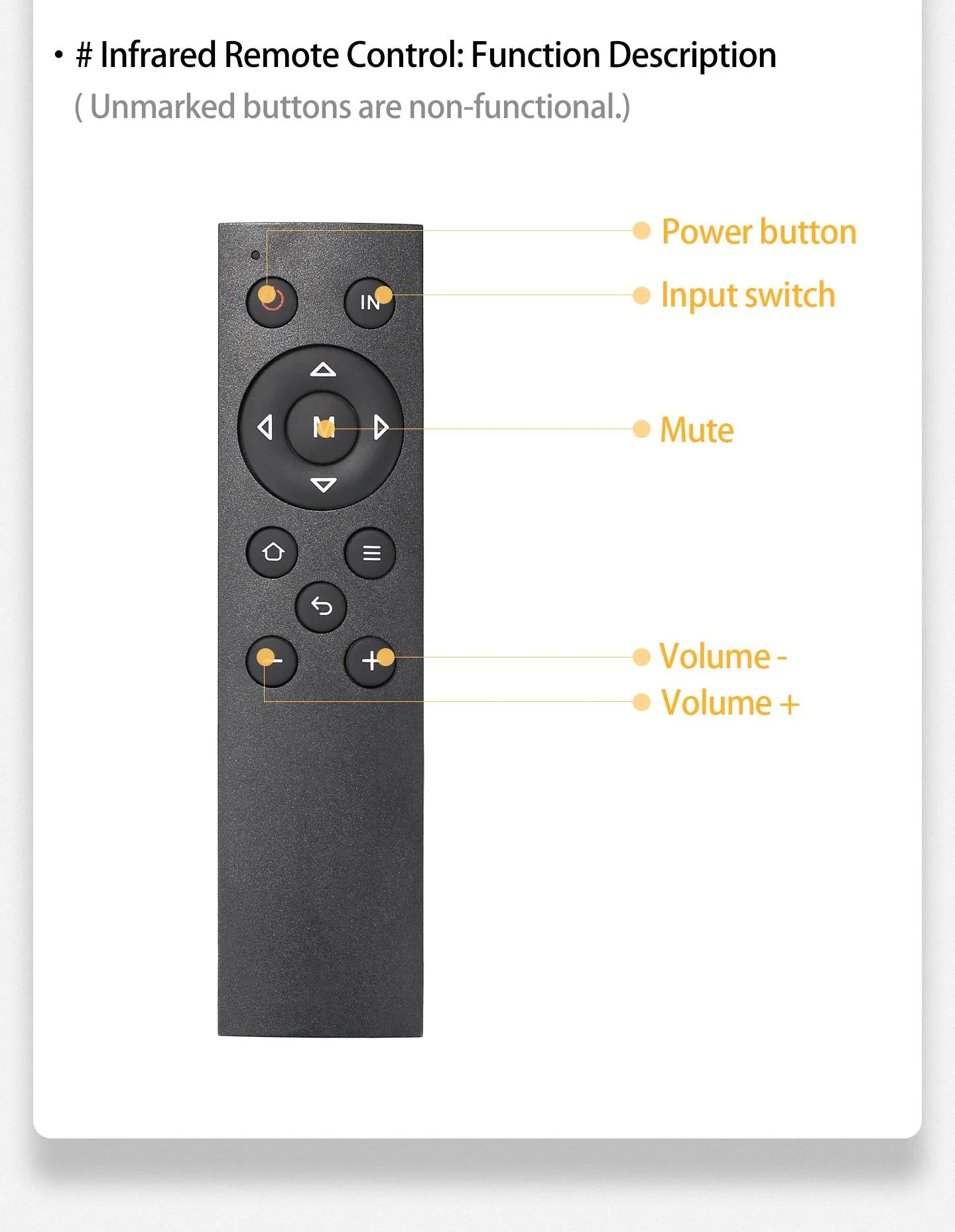
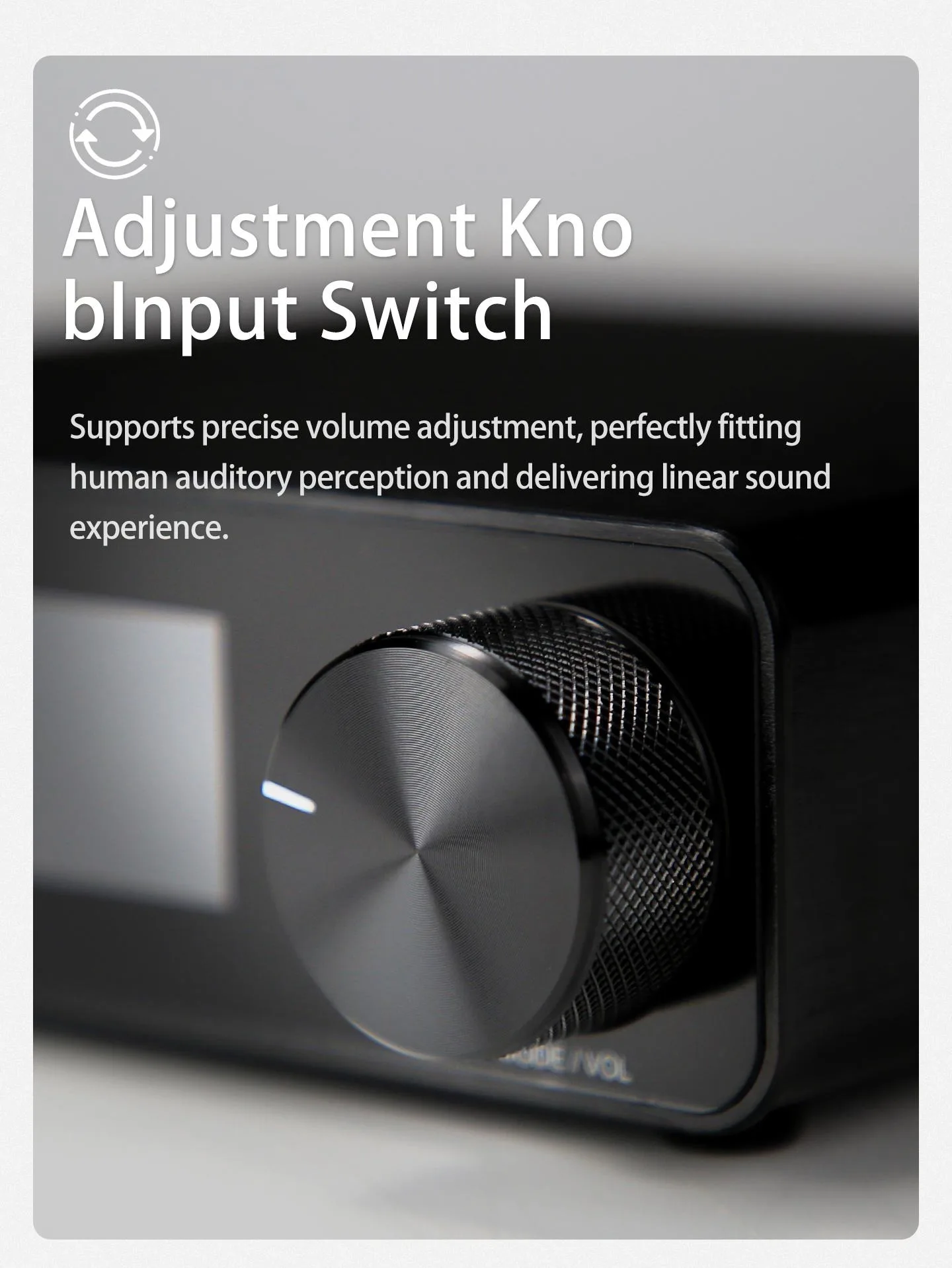
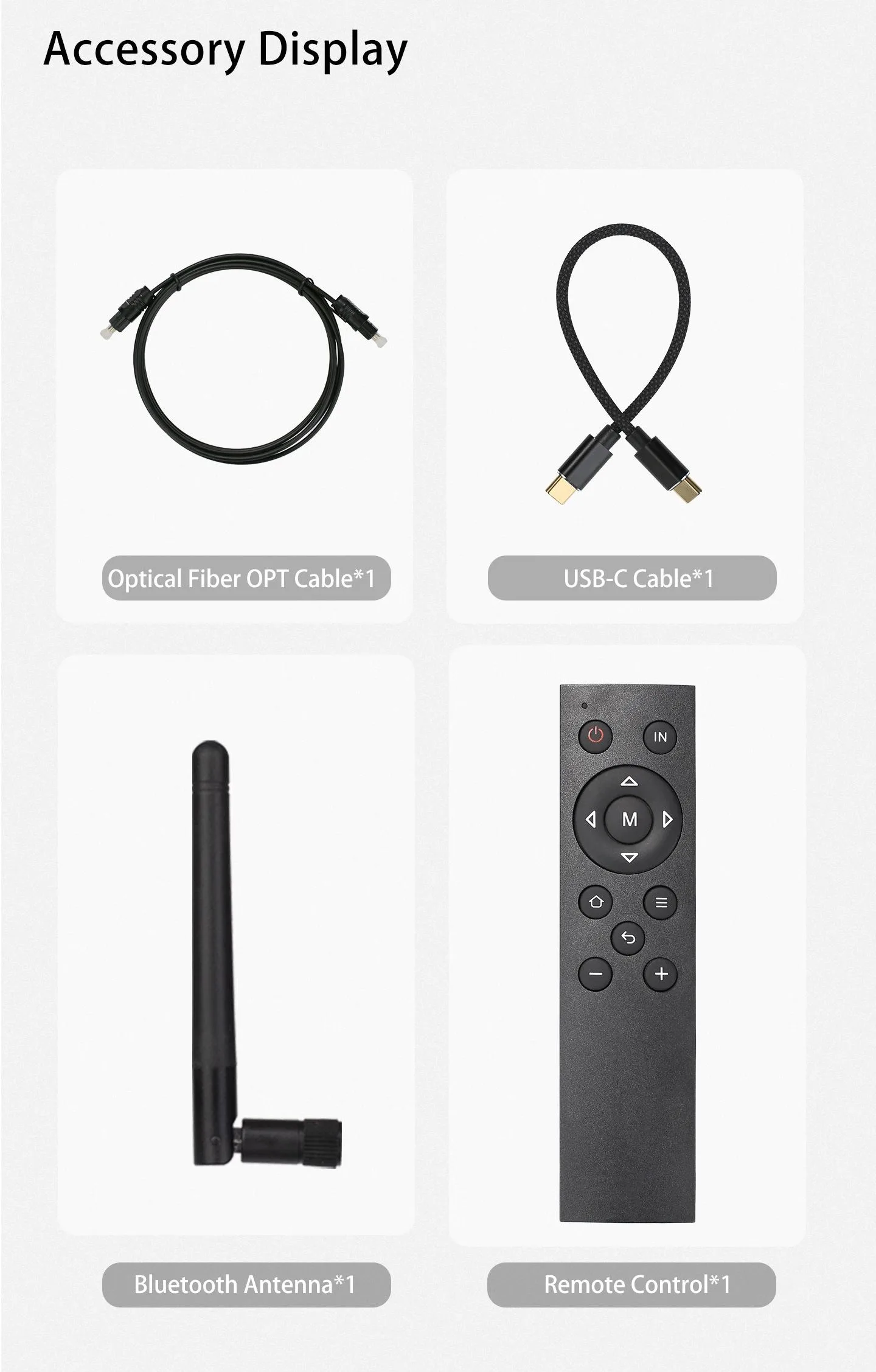
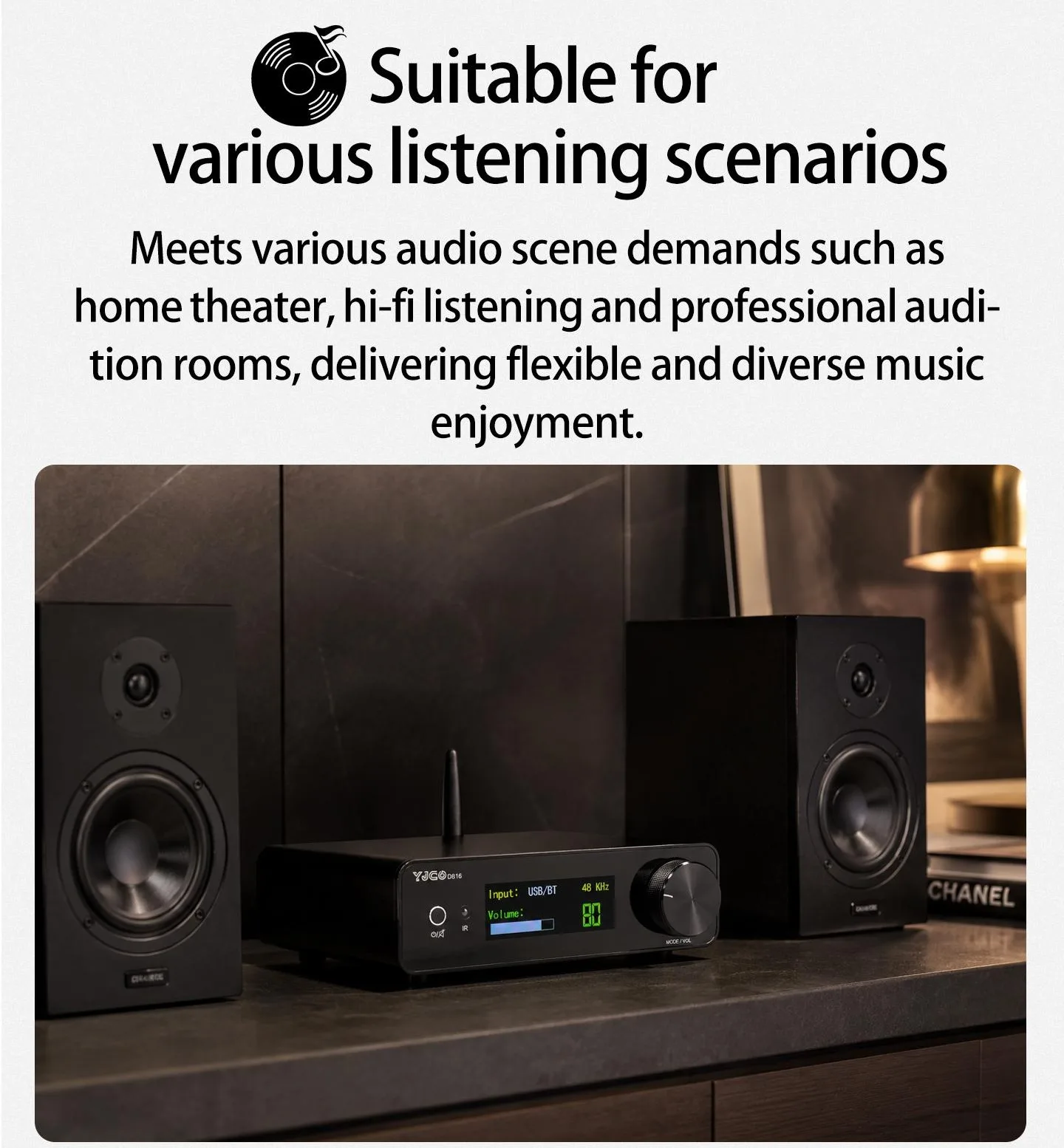
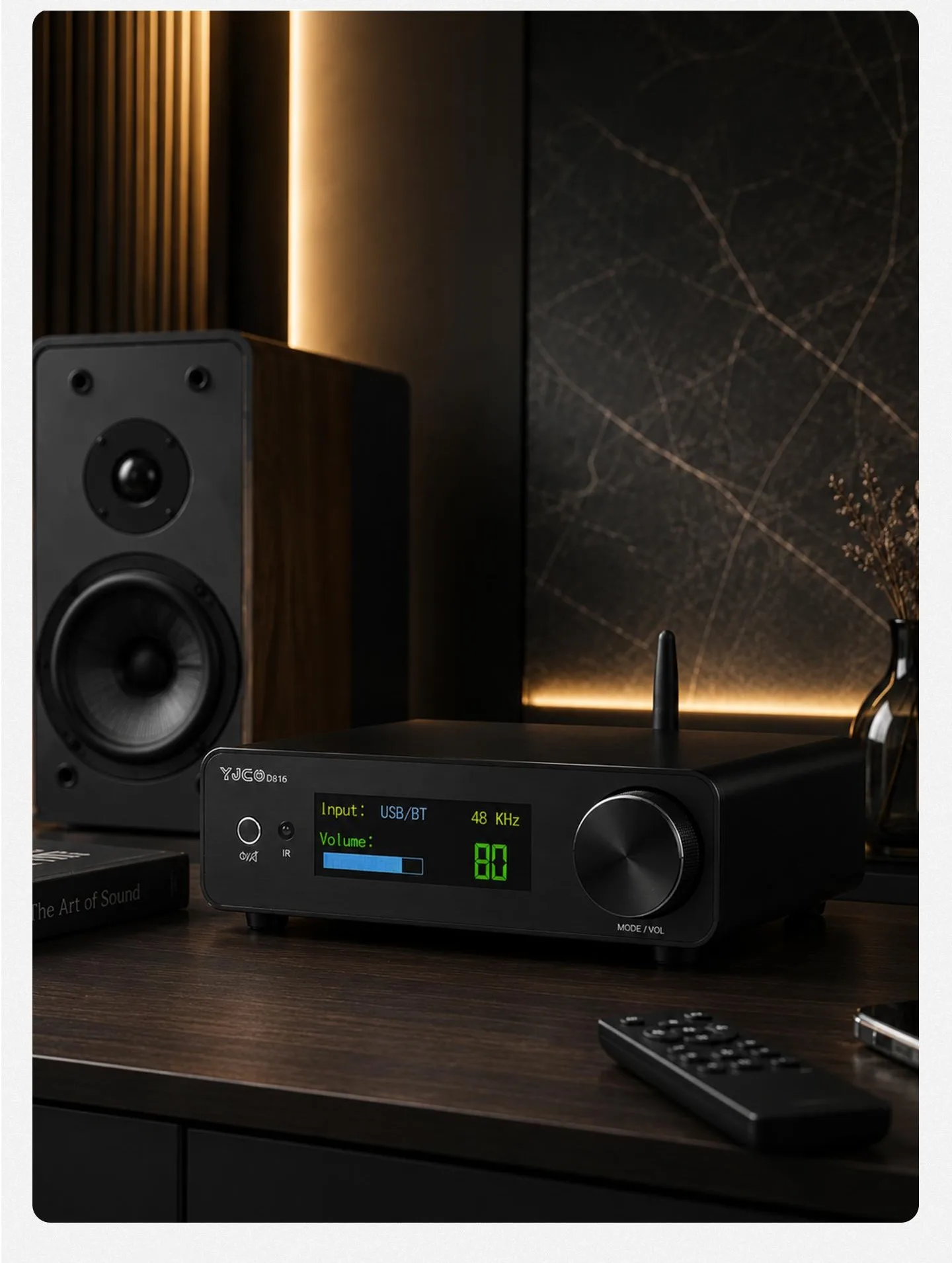
3.After the power amplifier board is powered on for the first time, the screen lights up and automatically turns on. Directly rotating the encoder is used to adjust the volume, and briefly pressing the knob is used to switch the input. Alternatively, it is more convenient to directly use the remote control for adjustment. Press the button on the left briefly to mute it. Press and hold it for a long time to enter standby mode. Press and hold it again to power it on.
4.The negative poles of the left and right channels of the power amplifier output must not be connected together; otherwise, it will cause the power amplifier to burn out.
5.When using Bluetooth, switch the input to USB/BT. Search for the Bluetooth name "YJ-CO-QCC3084" on your phone and connect. In this way, you can play Bluetooth music.
6.If USB playback is required, switch the input to USB/BT mode. The USB input can be connected to the USB port of a mobile phone or a computer. Just connect and play directly without installing a driver. When connecting a mobile phone's OTG to a USB, an OTG cable is required. Charging cables cannot be used, and USB cannot be connected to a USB flash drive.