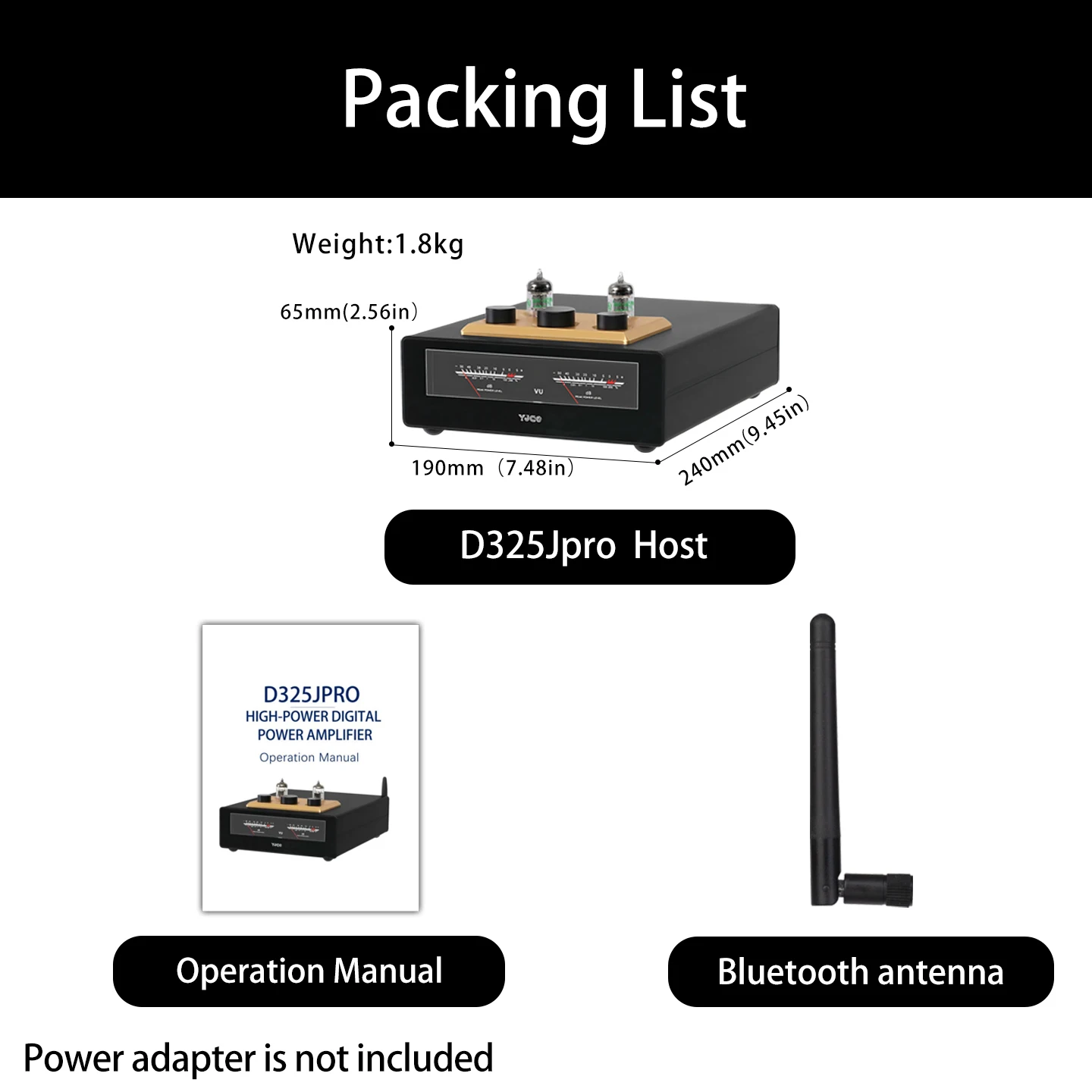
Product Specification:
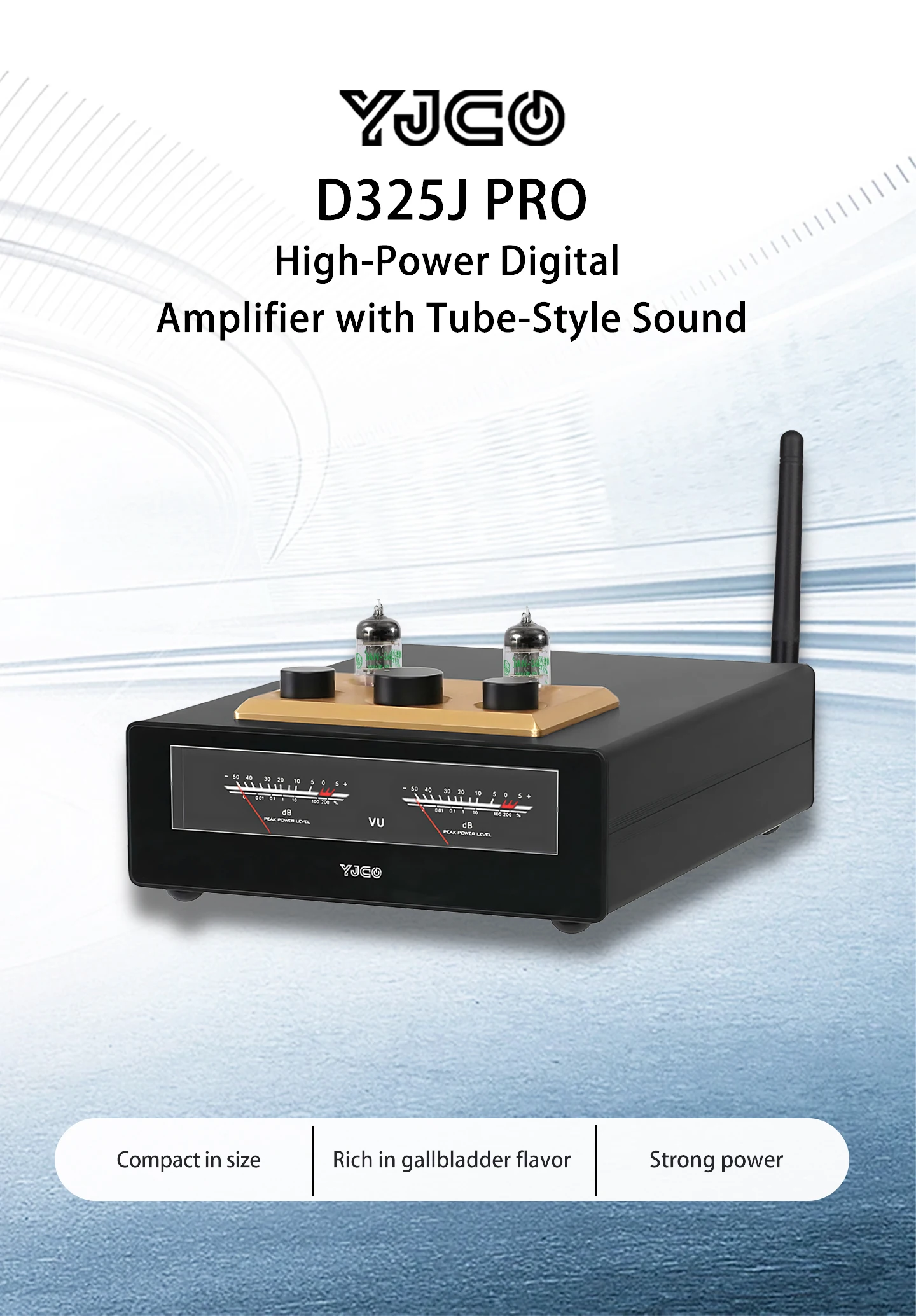
Chipset:JAN5654+TPA3255+JRC5532+QCC3084+PCM5102
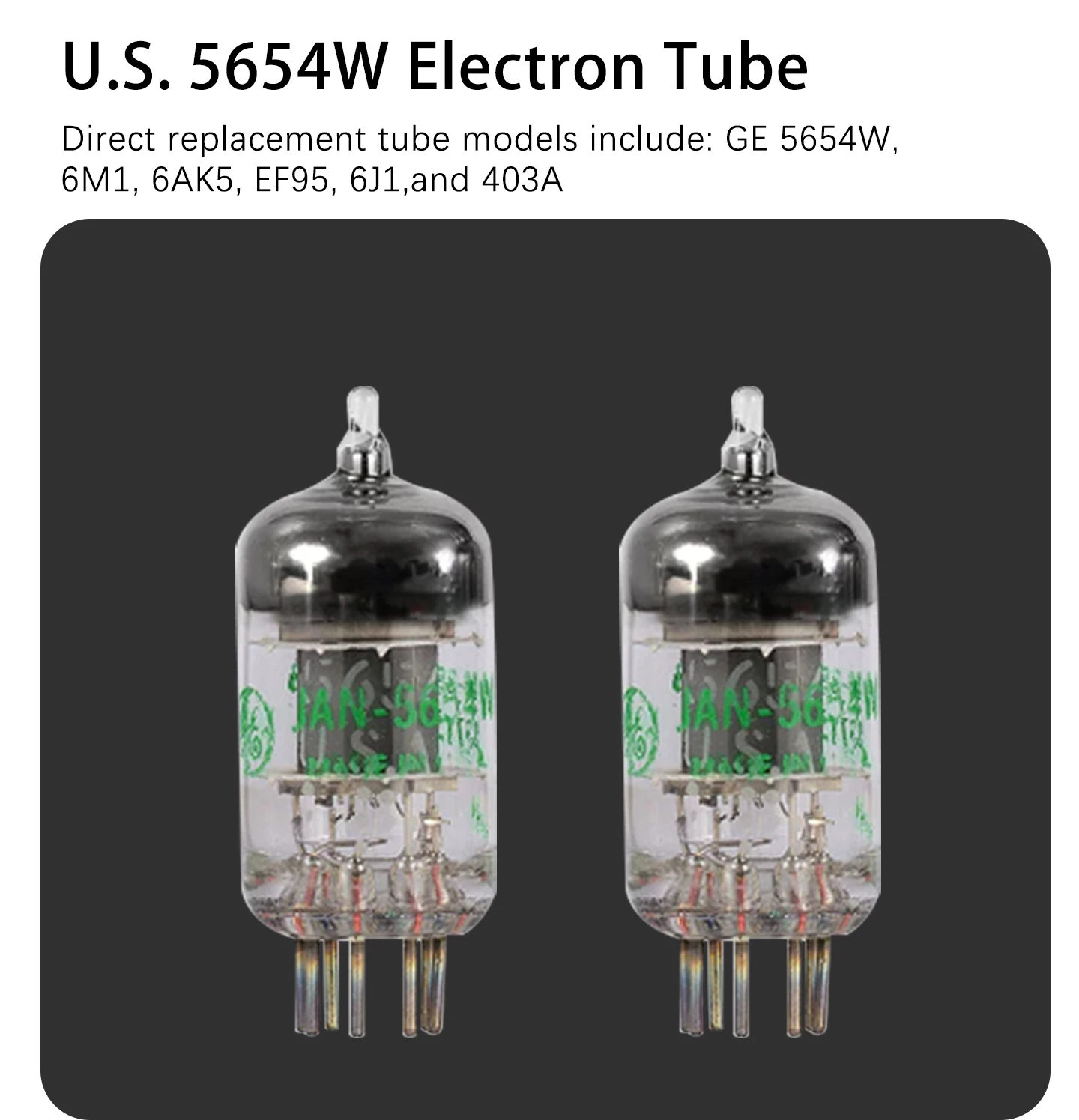
Vacuum Tube Model: JAN5654/6J1
Replaceable Tubes: 6J1,6K4,6J2,GE5654,6J3,6J4,6J5,6Ж1п,6AK5 etc.
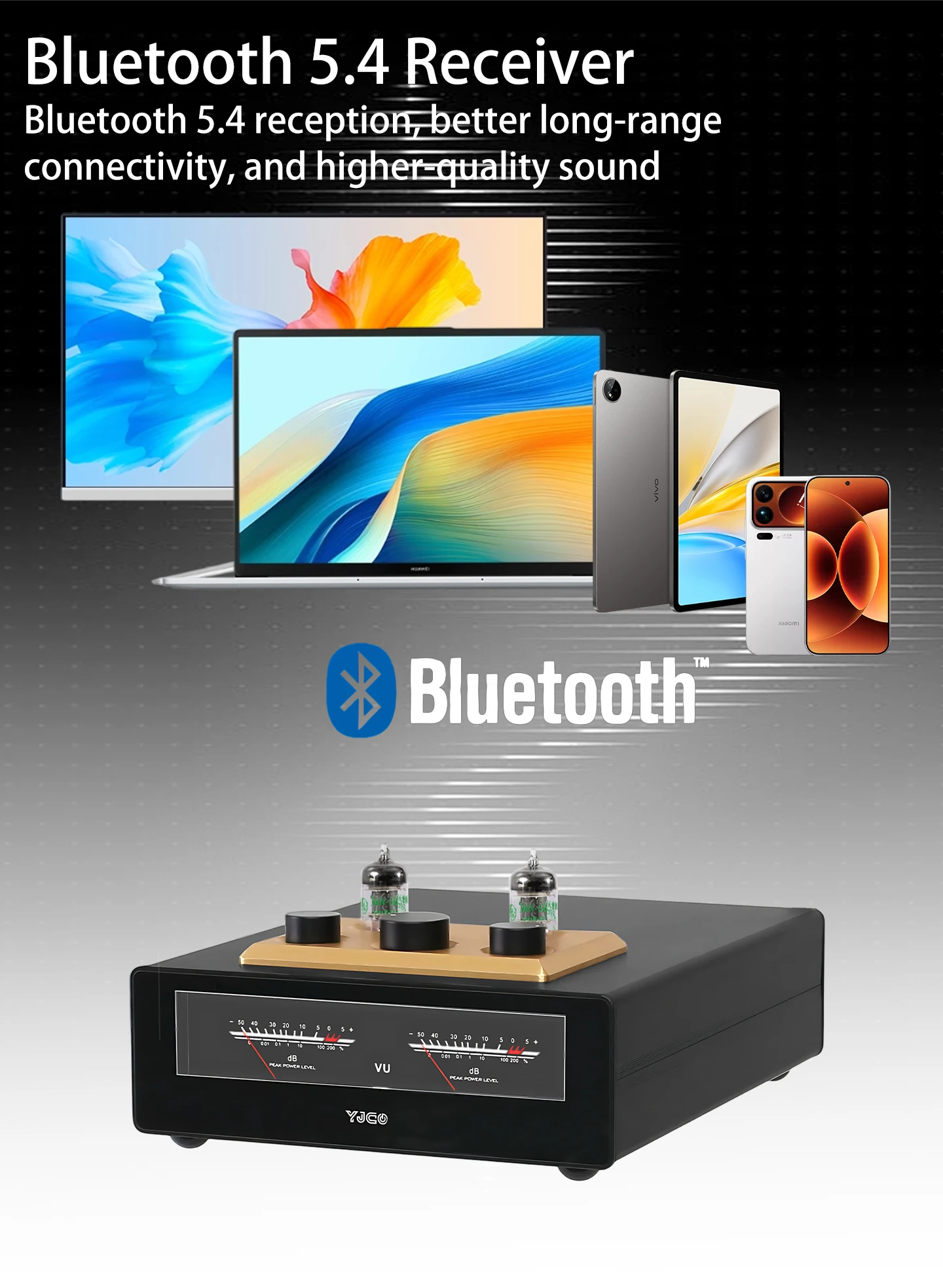
Bluetooth: QCC3084 + PCM5102 BT 5.4
Supported Bluetooth Formats: SBC / AAC / aptX / aptX-LL / aptX HD / LDAC (16–24-bit, 44.1–96 kHz)
USB Support: 24-bit / 96 kHz
Op-Amp Chip: JRC5532
Replaceable Op-Amps: SRT3609SM, OPA2604, OPA2134, LM4562, NE5532, OP275GSZ, OPA1612AIDR, etc.
Distortion: <0.2%
Signal-to-Noise Ratio (SNR): 90 dB
Frequency Response: 20 Hz – 20 kHz @ 1 kHz (+0.3 dB)
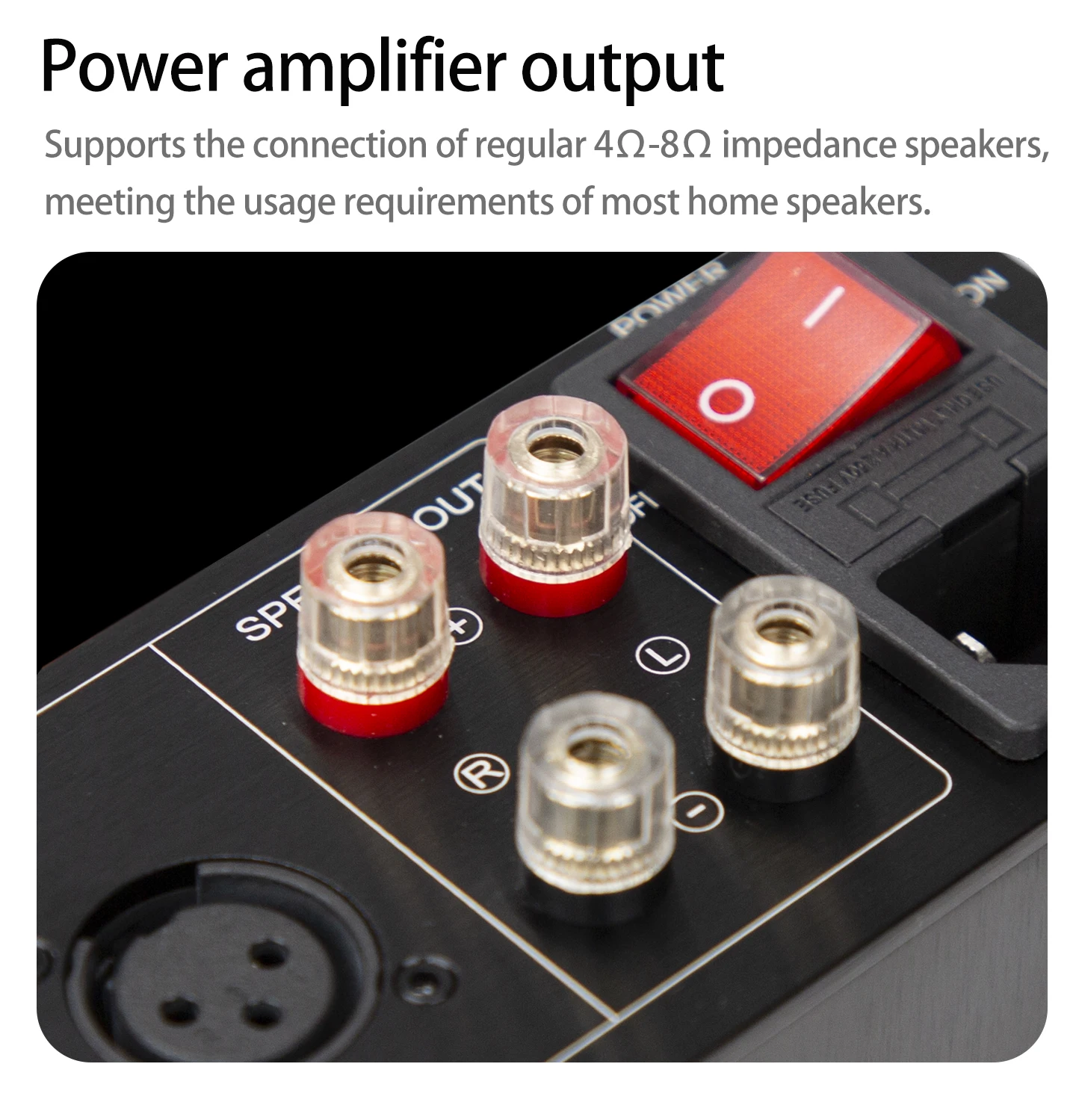
Speaker Impedance: 4–8 Ω
Output Power: 300 W × 2 (at 4 Ω); 150 W × 2 (at 8 Ω)
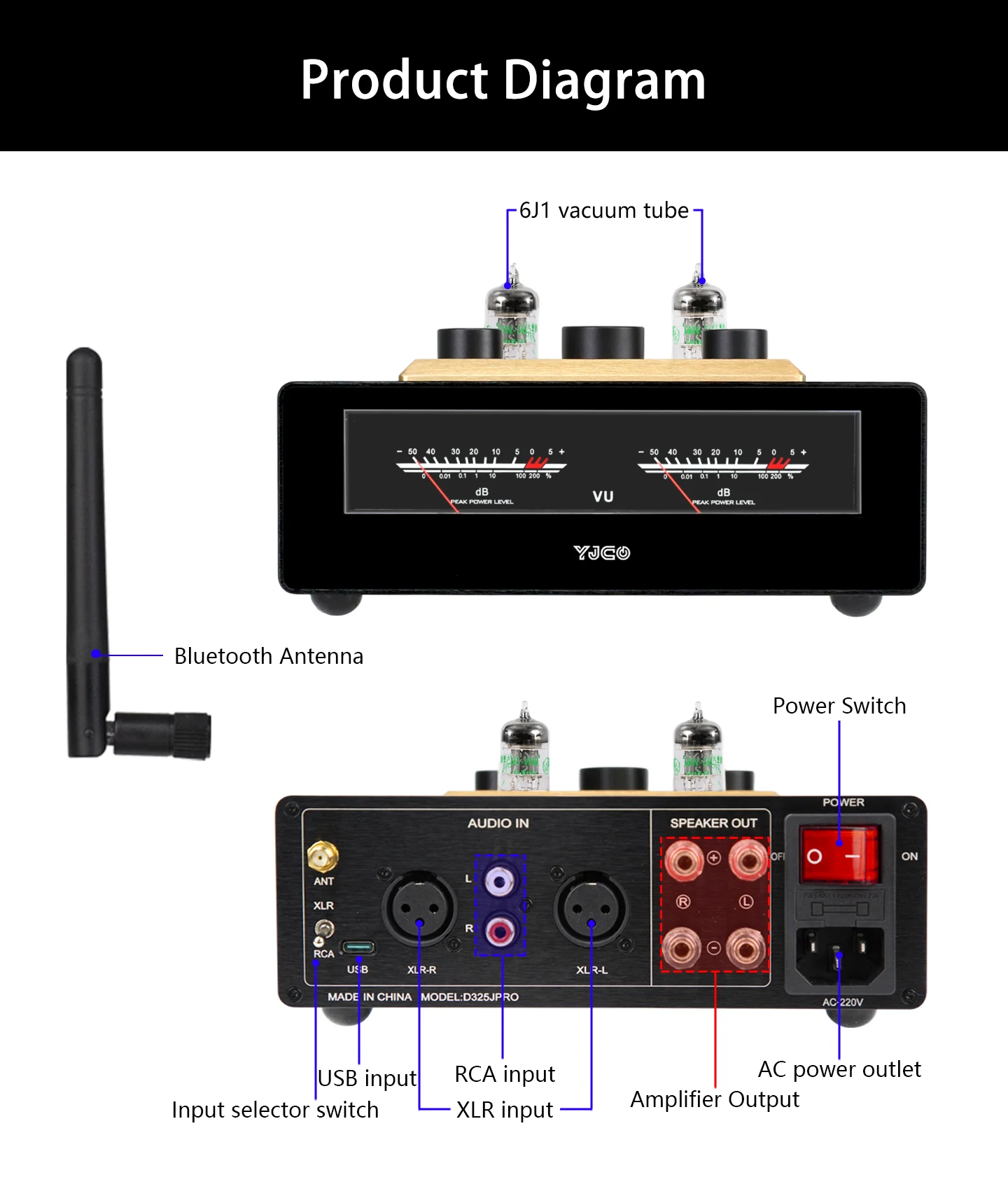
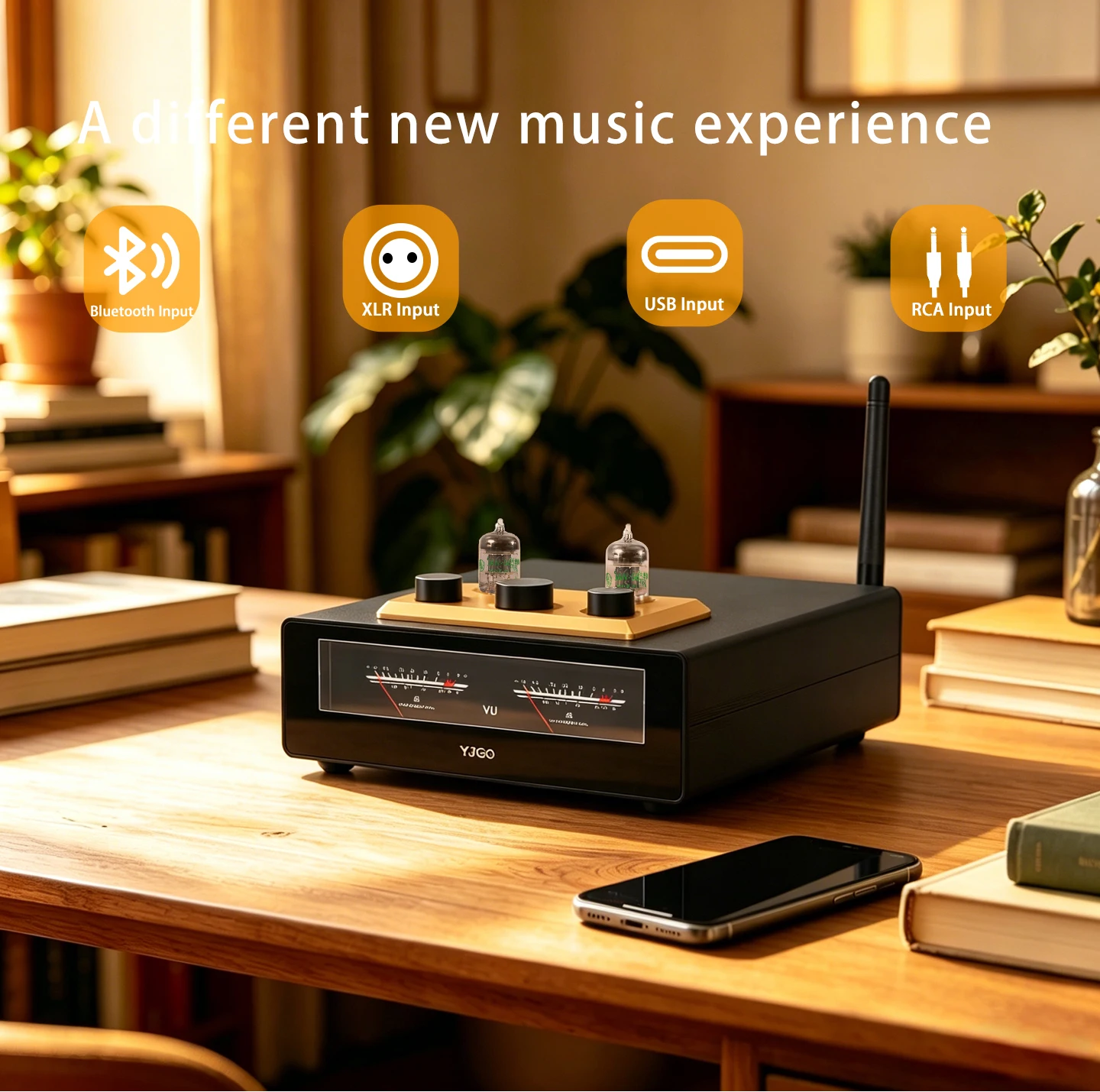
Input Modes: RCA, XLR, Bluetooth, USB
Supported Devices: DACs, Computers, CD Players, Mobile Phones, MP3 Players, etc.
Output Mode: 2.0 Passive Speakers
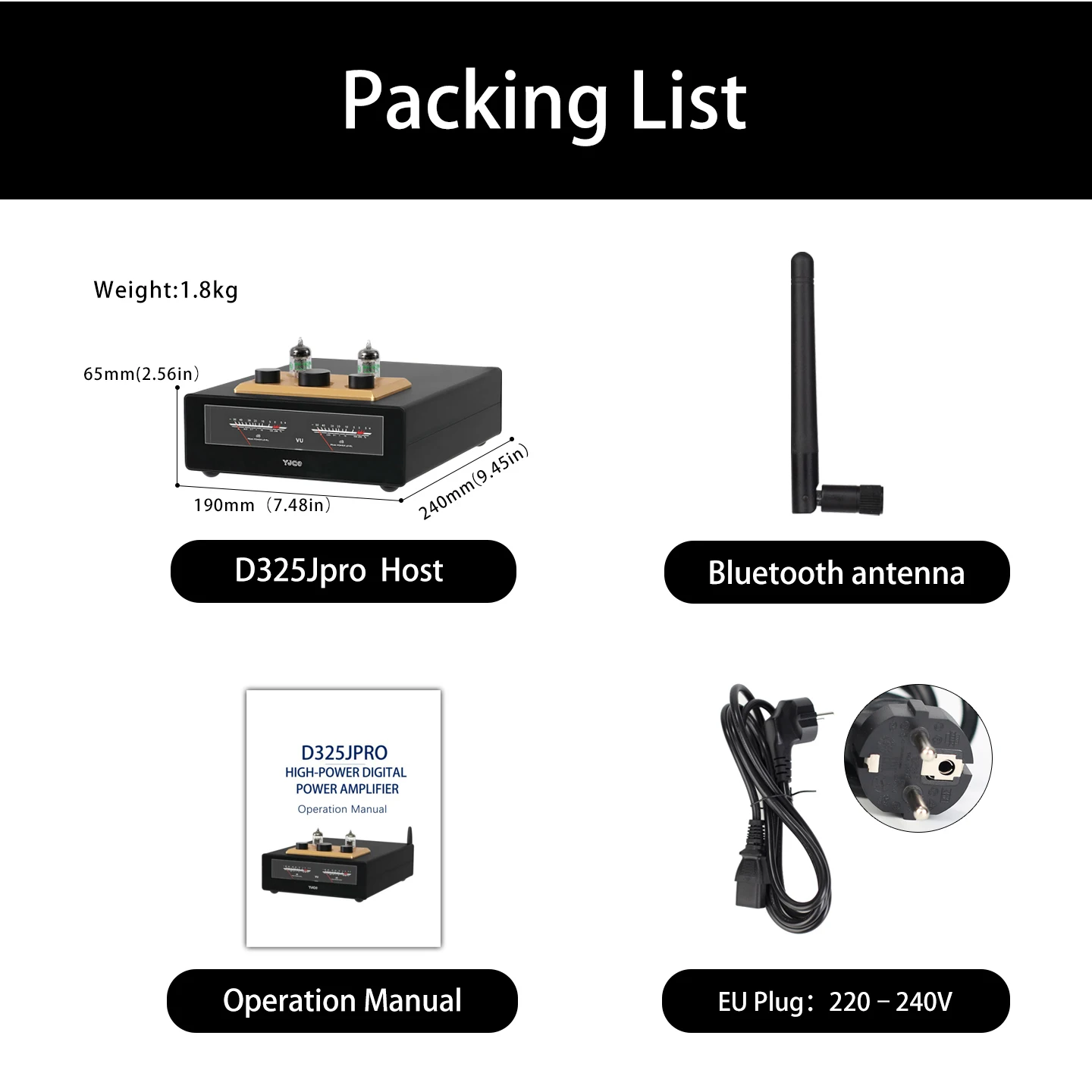
Power Supply: 110 V / 220 V
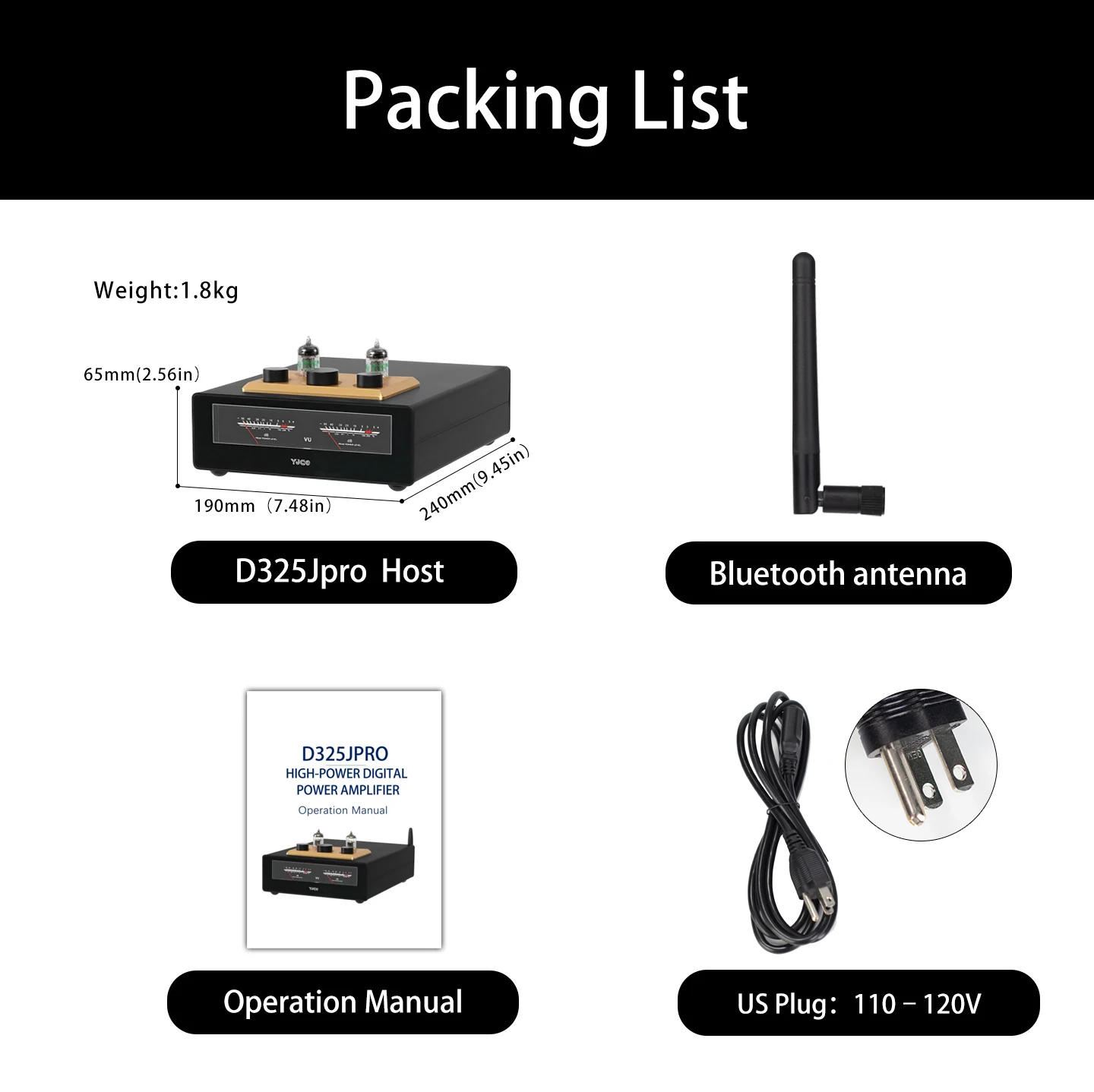
Product Dimensions: 240 × 190 × 65 mm (Height excludes vacuum tubes)
Net Weight: 1800 g
Tip: Please choose the appropriate power adapter.
1. The D325JPRO output can only be connected to passive speakers; it cannot be connected to active speakers or constant-voltage speakers.
2. The D325JPRO operates on 220V–230V AC mains power. A 110V AC version is available upon request.
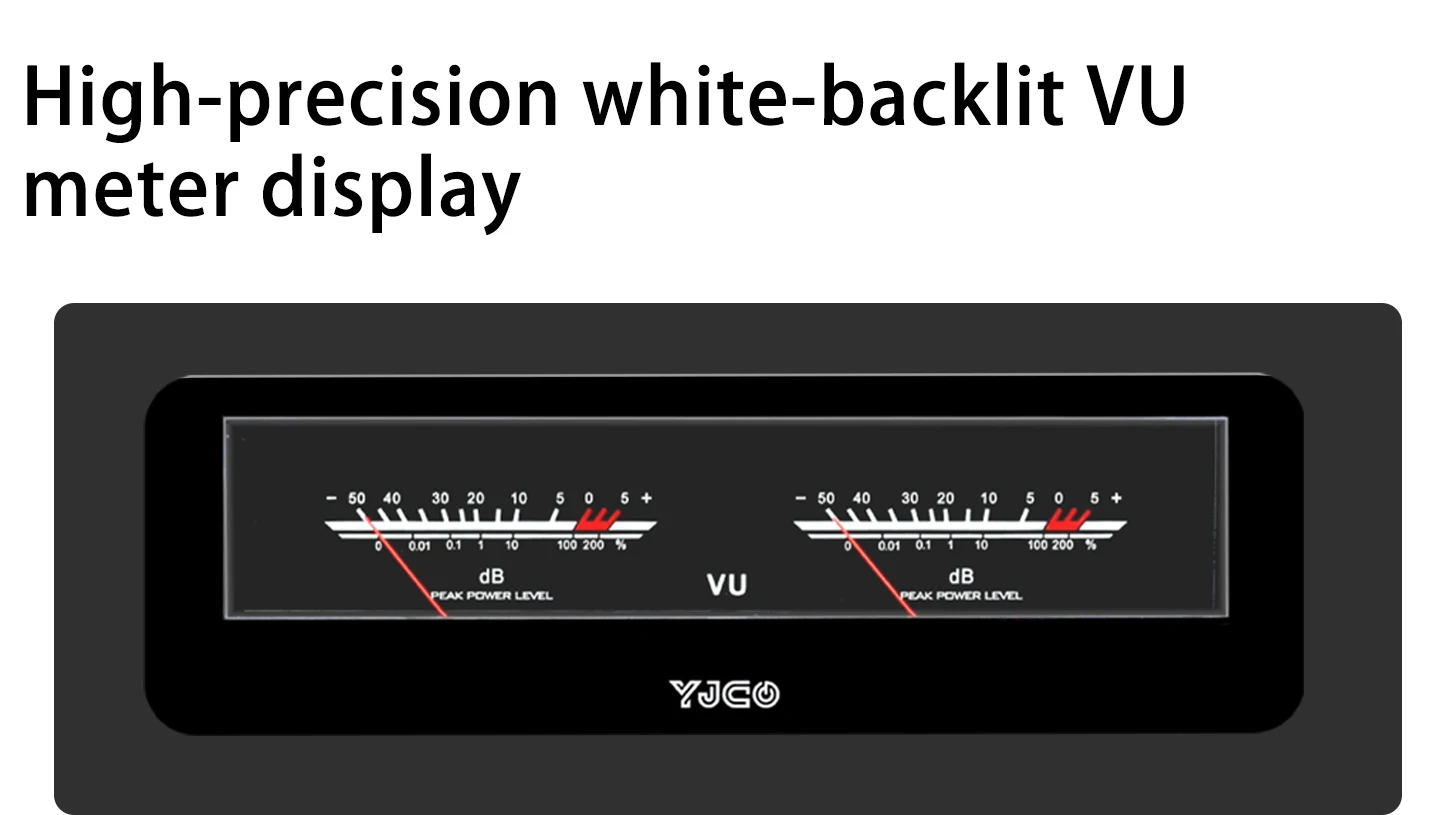
3. After connecting the power cord to the D325JPRO, simply turn on the power switch on the back. The blue light below the vacuum tubes will illuminate first; once the meter lights up, the unit is powered on. The unit is set to a delayed startup of approximately 30 seconds to allow the vacuum tubes to warm up. Sound will be produced shortly after the lights come on. To shut down, simply turn off the power switch on the back.
4. The negative terminals of the left and right channels on the amplifier must not be connected together, as this will cause the amplifier to burn out.
5. Bluetooth and USB have the highest priority on this unit. When using Bluetooth, search for the device name “YJCO-QCC3084” on your phone and connect. Once connected, the system will automatically switch to Bluetooth input. For USB input, connect directly to a phone’s USB port or a computer to play audio; no drivers are required. When connecting a phone via USB OTG, you must use an OTG cable; standard charging cables cannot be used, and the USB port cannot be used to connect a USB flash drive.
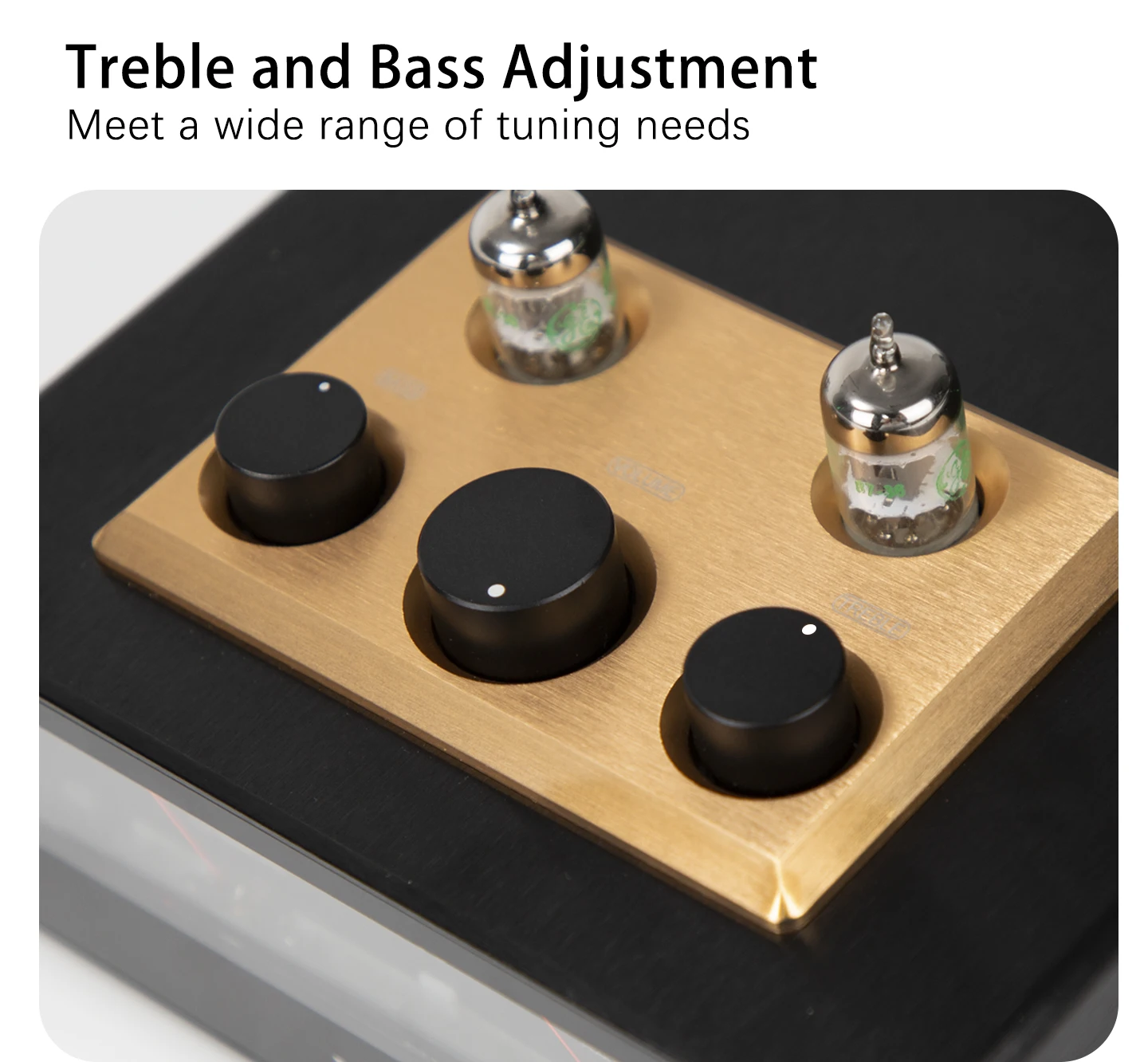
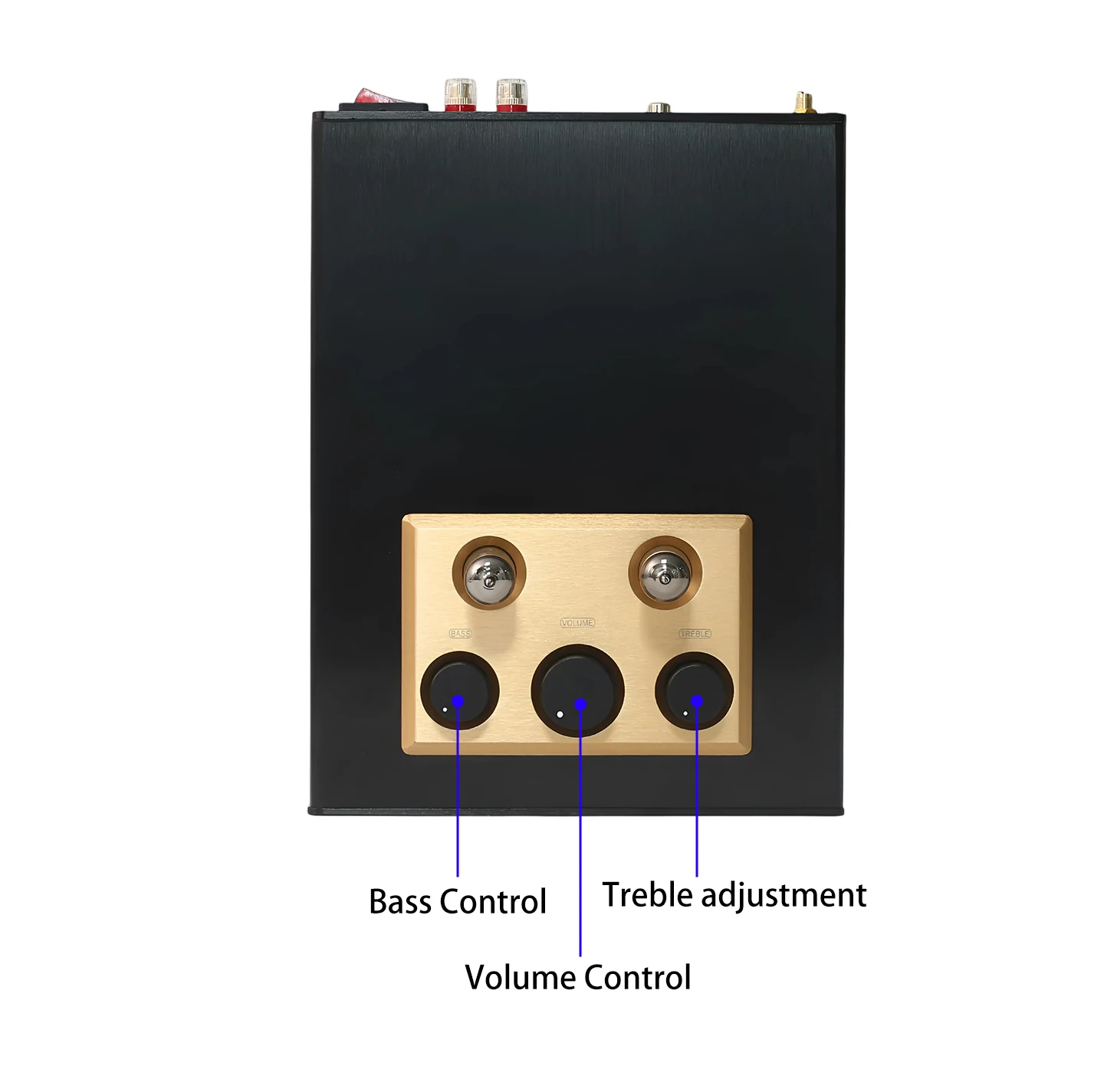
6. The D325JPRO comes equipped with a JAN5654 vacuum tube. Before first use, you must insert the tube into the socket yourself. Be sure to align the pins correctly and push it in all the way. Do not use excessive force to avoid bending the pins. Vacuum tubes are consumable parts and are not covered by the warranty. If the sound quality seems off or there is no sound at all, this indicates the tube has reached the end of its lifespan and needs to be replaced. Please purchase a new tube on your own.
7. Due to the structural characteristics of vacuum tubes, they require warm-up time to reach full performance. After turning on the unit, allow it to run for about ten minutes. Once the tubes have warmed up, you can enjoy beautiful music.